
MilkDrop in the browser: Winamp-style visuals without Winamp
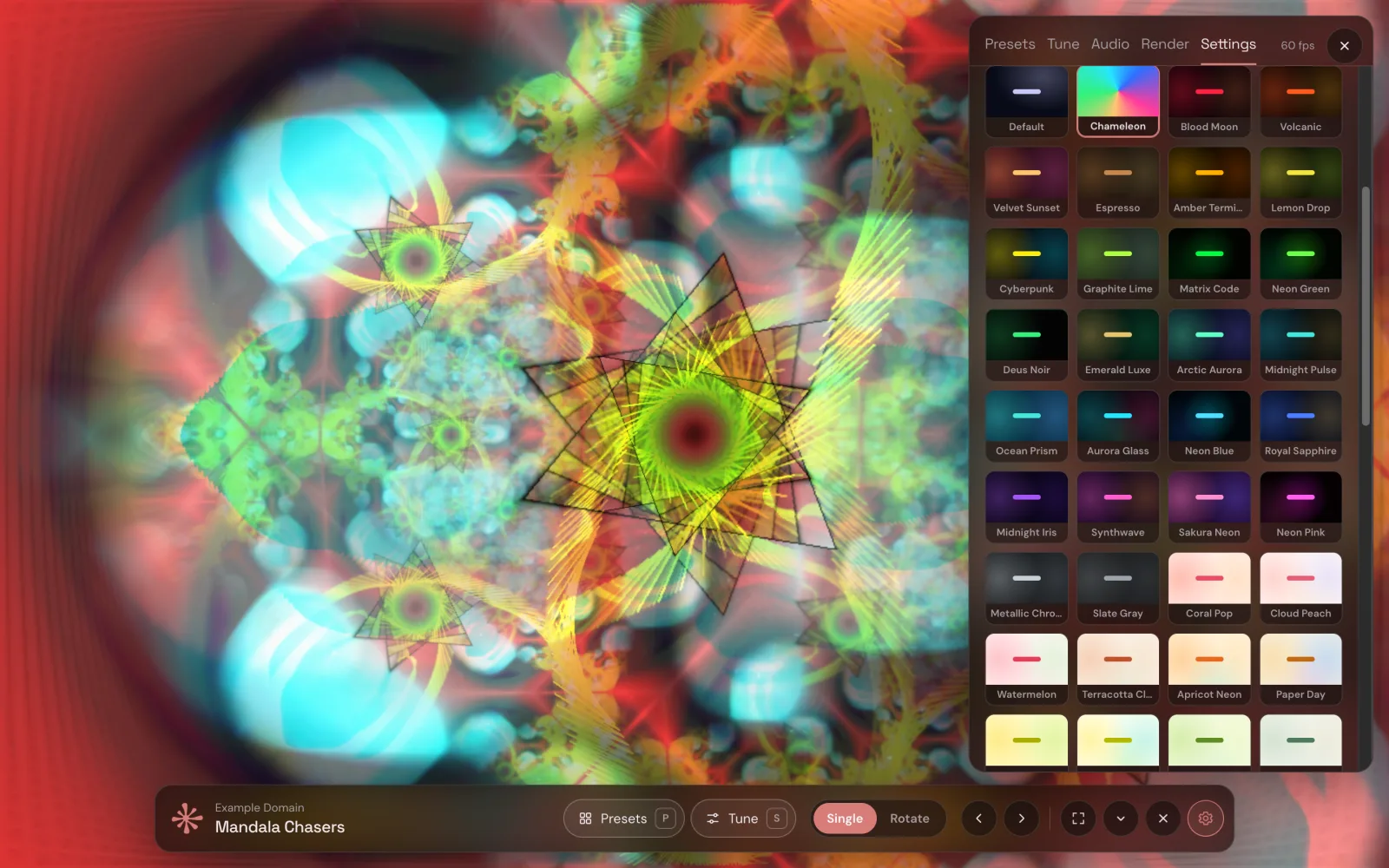
If you used Winamp in the 2000s, you probably remember MilkDrop: the plug-in by Ryan Geiss that turned music into flowing, warping, endlessly feeding-back colour. Thousands of presets were written for it by a whole community of artists, and many of them still look great. The problem is running them today. Winamp is a relic, and the standalone options mean installing old software or an audio player you don't otherwise use.
There is a simpler way: MilkDrop presets rendered by your browser, reacting to whatever you are already playing.
What MilkDrop actually is
A MilkDrop preset is a small program. Every frame it takes the previous image, moves and distorts it (zoom, rotation, warp), draws new waves and shapes on top, and runs the result through a shader. The motion is driven by the music: bass, mids and treble levels and the beat. Because each frame feeds the next, small changes snowball into the trails and tunnels MilkDrop is known for.
Modern browsers can run this with WebGL, on your graphics card, at full speed. Open-source projects have ported the MilkDrop engine to JavaScript, which is what makes in-browser MilkDrop possible.
How to run MilkDrop presets in Chrome
- Install Deus, a free Chrome extension, from the Chrome Web Store.
- Play music in any tab: Spotify, YouTube, SoundCloud, a web radio, anything.
- Click Deus and choose Visualize this tab. The visualizer opens next to the tab or in its own window.
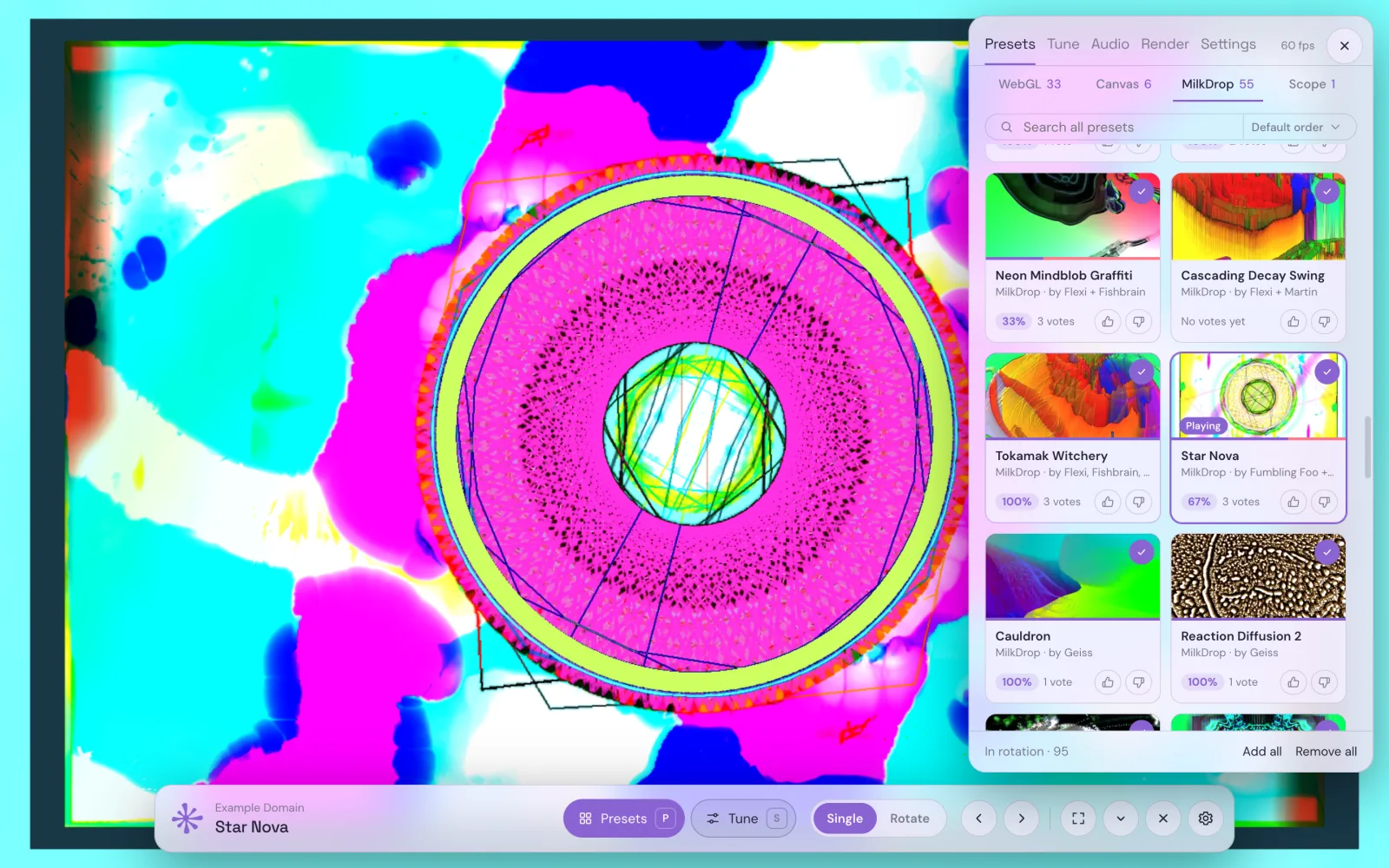
- Press P, open the MilkDrop tab and pick a preset. F goes fullscreen.
On Spotify, YouTube Music, Yandex Music, SoundCloud, Deezer and Apple Music the MilkDrop presets also play right inside the player page.
Which presets are included
Deus ships a curated set of classic presets by Geiss, Flexi, Martin, Rovastar, Zylot, EoS and other preset artists, among them favourites like Mother of Pearl, Desert Rose, Mandala Chasers and Glowsticks. Each one shows its authors' names. You can like or dislike presets, sort by community rating and put the ones you love into a rotation that switches on a timer, so a long mix plays like an old Winamp session.
MilkDrop sits next to three other groups: WebGL shader scenes written for Deus, Canvas 2D geometry and an XY oscilloscope. All of them react to the same sound analysis.
Tips for the best picture
- Go fullscreen on a big screen. MilkDrop was made for it. Open the visualizer in a window, drag it to a TV or second monitor and press F.
- Use music with a clear beat. MilkDrop presets respond most to bass and beats; electronic music, rock and hip-hop look livelier than ambient.
- Lower quality on a weak laptop. Feedback effects are heavy. The Quality setting caps the render resolution so it stays smooth.
Make a MilkDrop video
Want MilkDrop visuals for a YouTube upload or a Short? Deus can render a video of any preset, or a chain of them, set to your own audio file, up to 4K.
It's all free, with no account and no time limit.