How do I start?
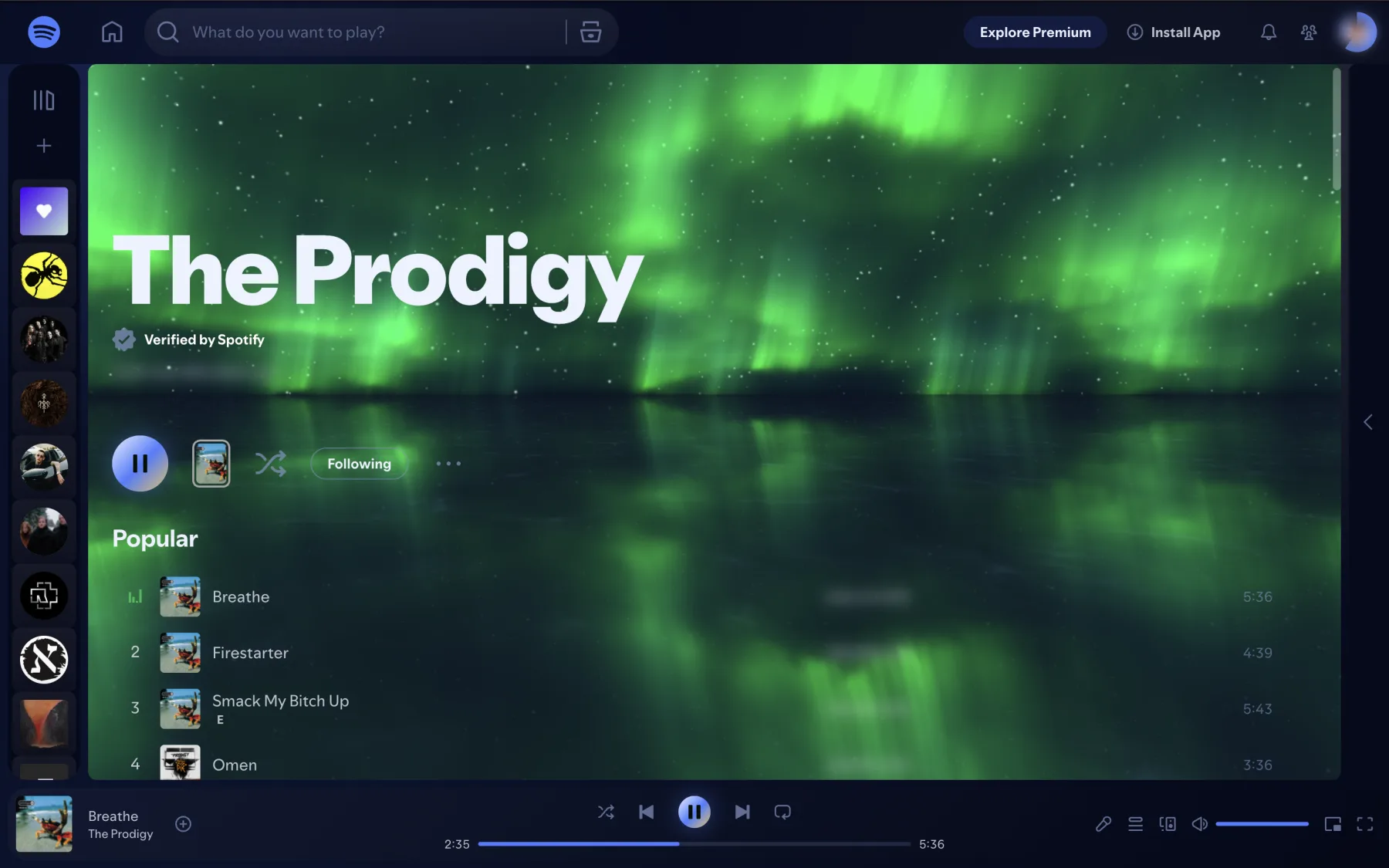
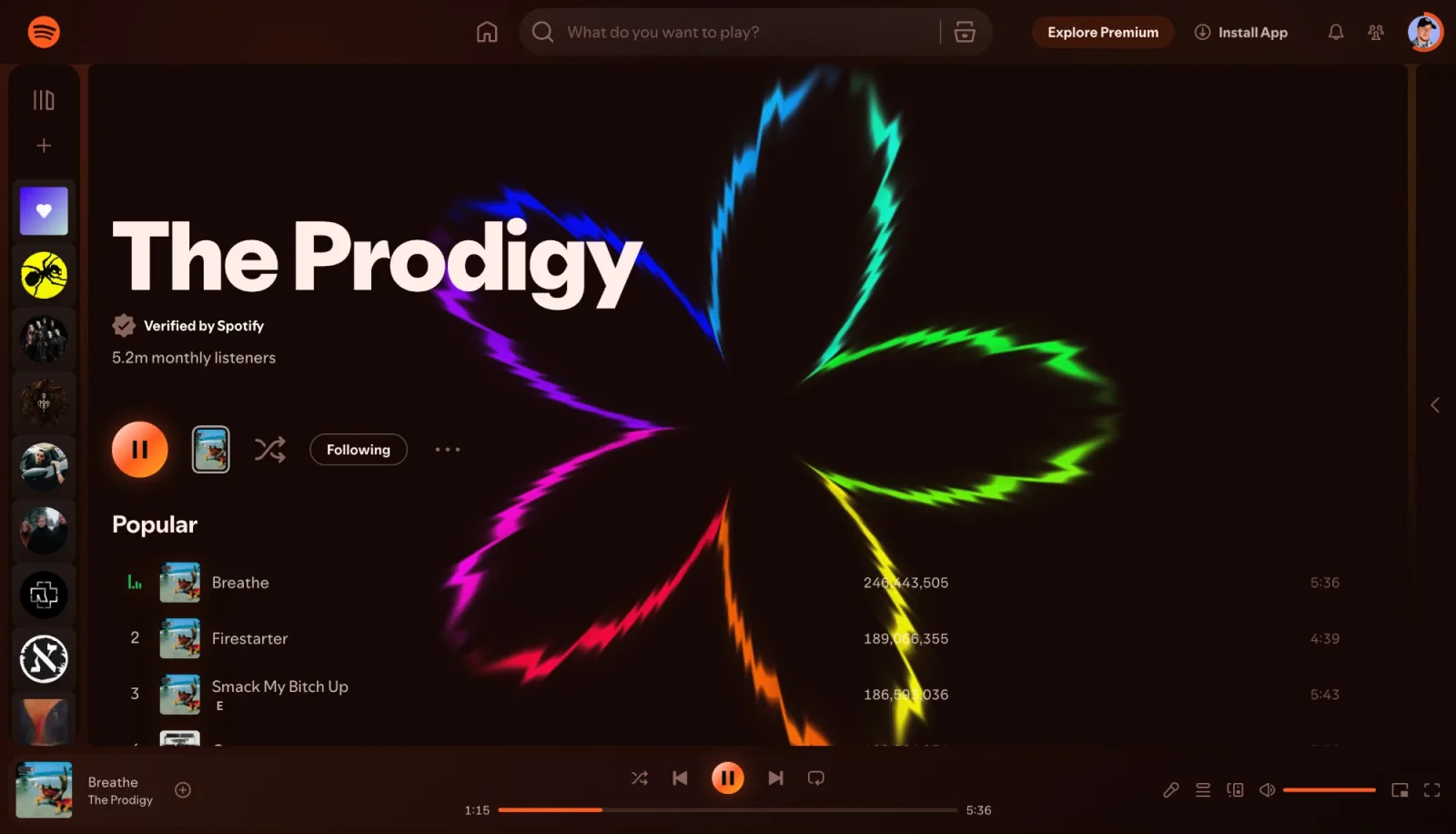
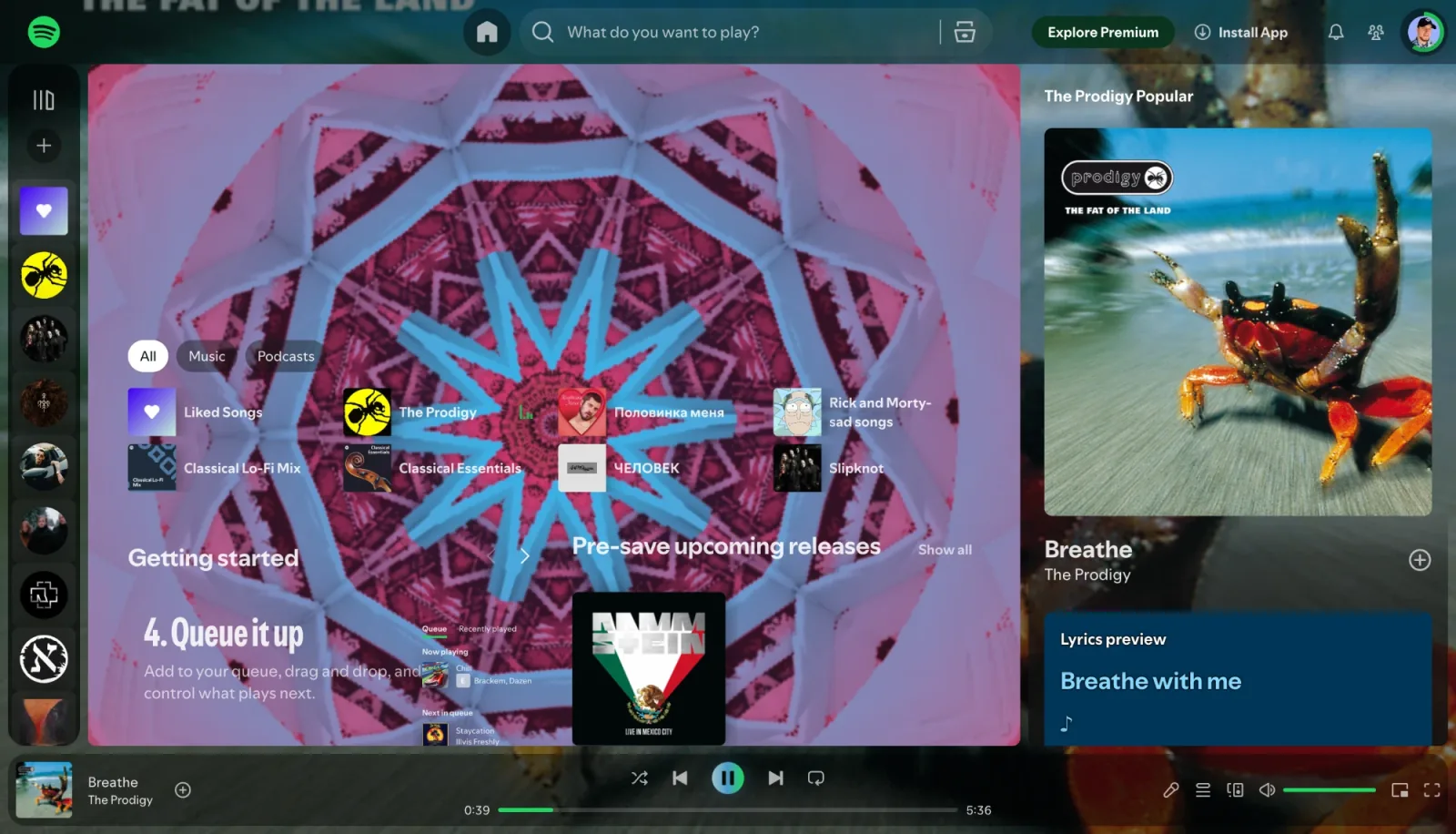
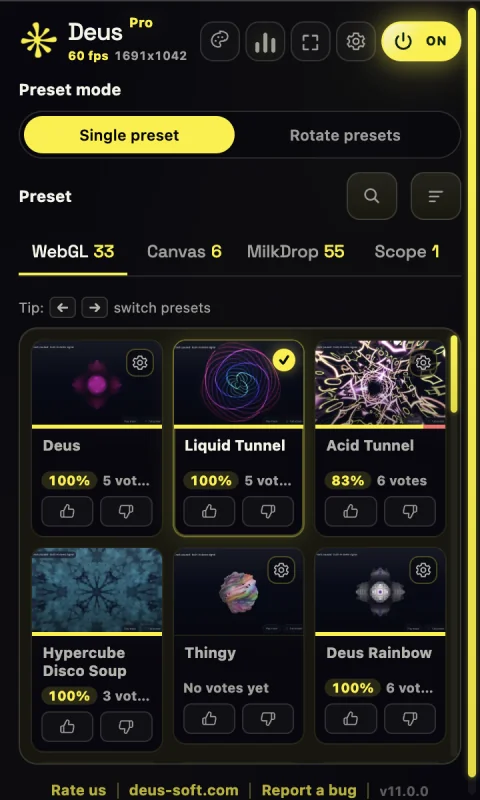
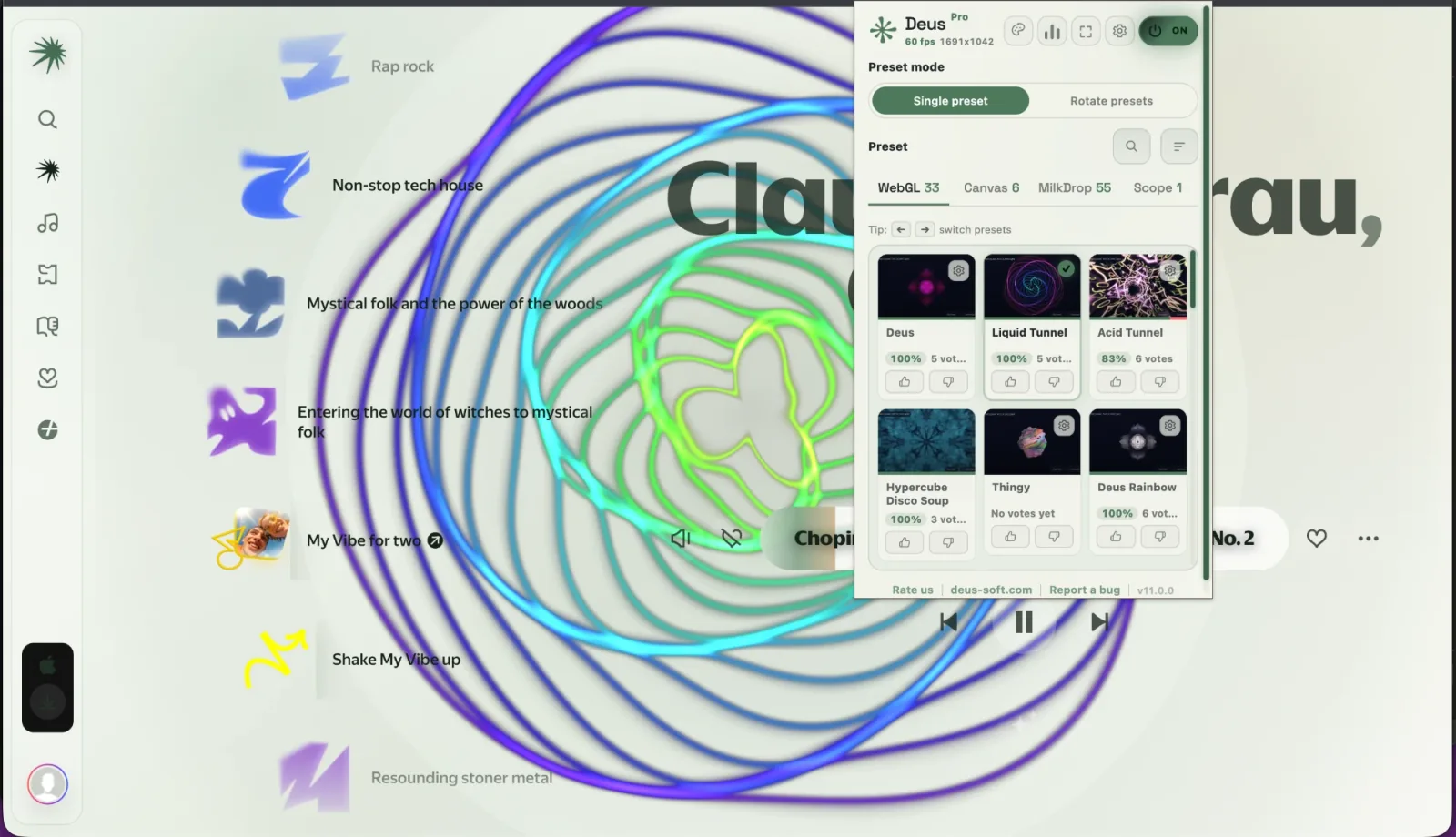
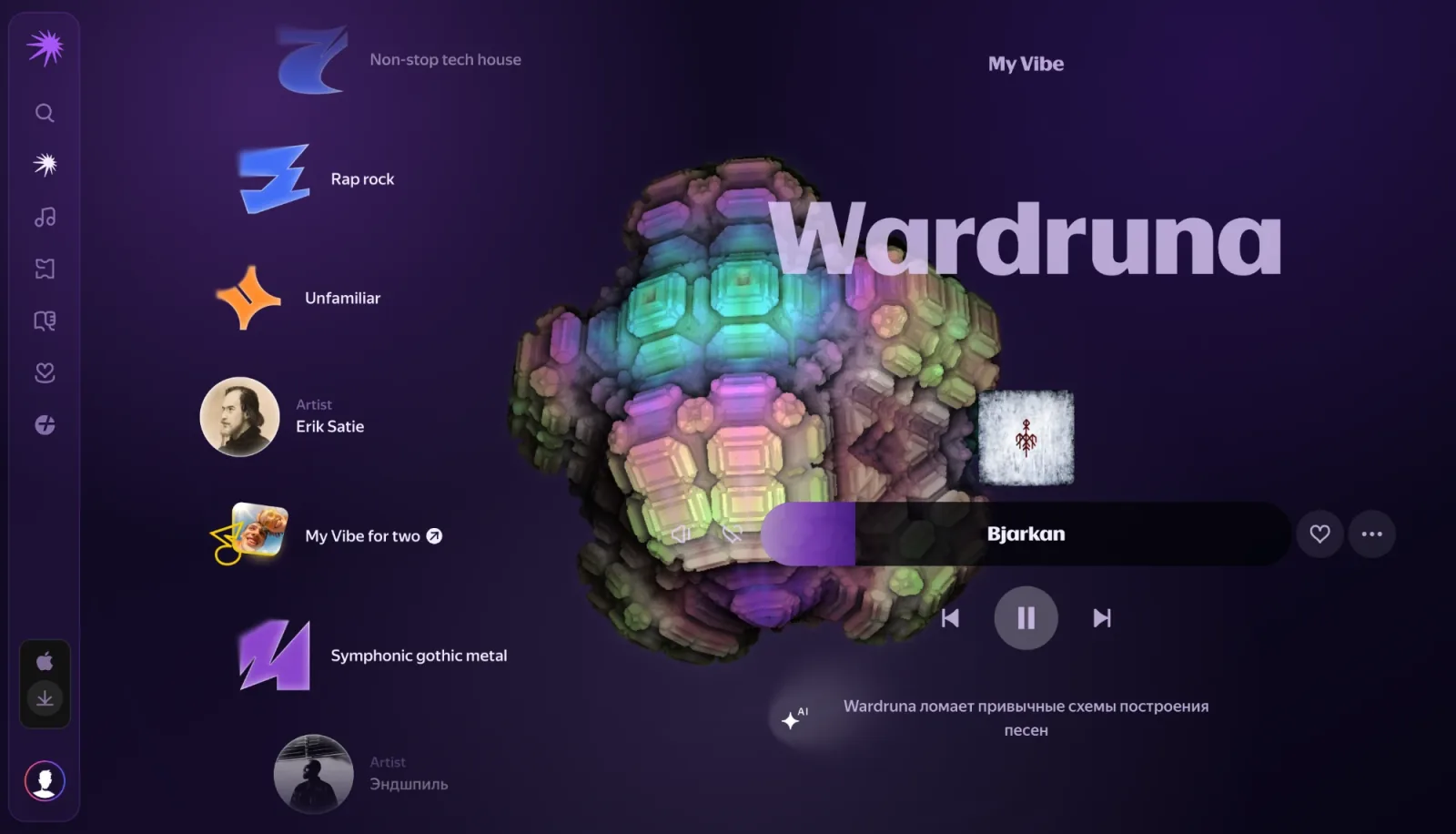
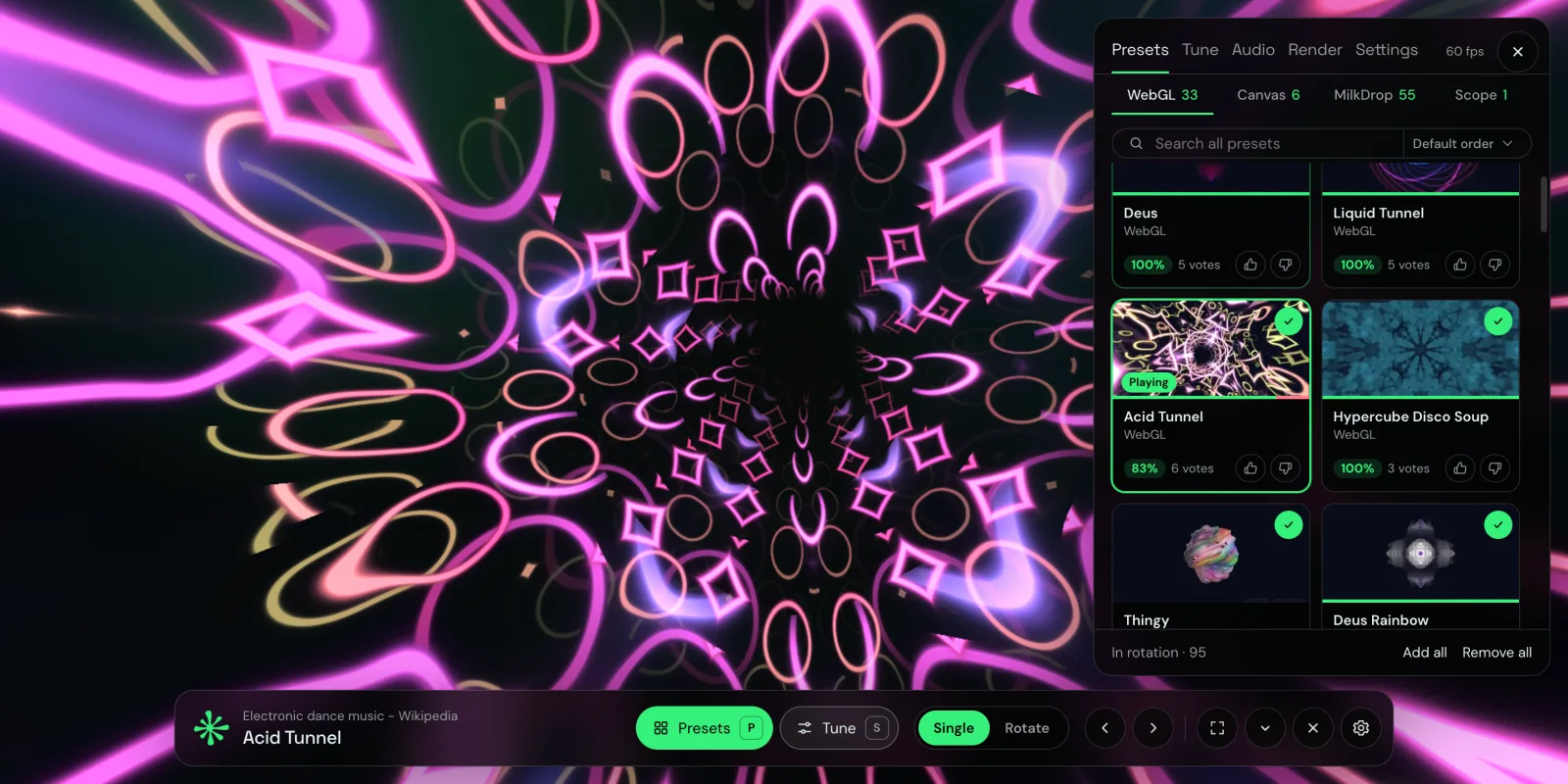
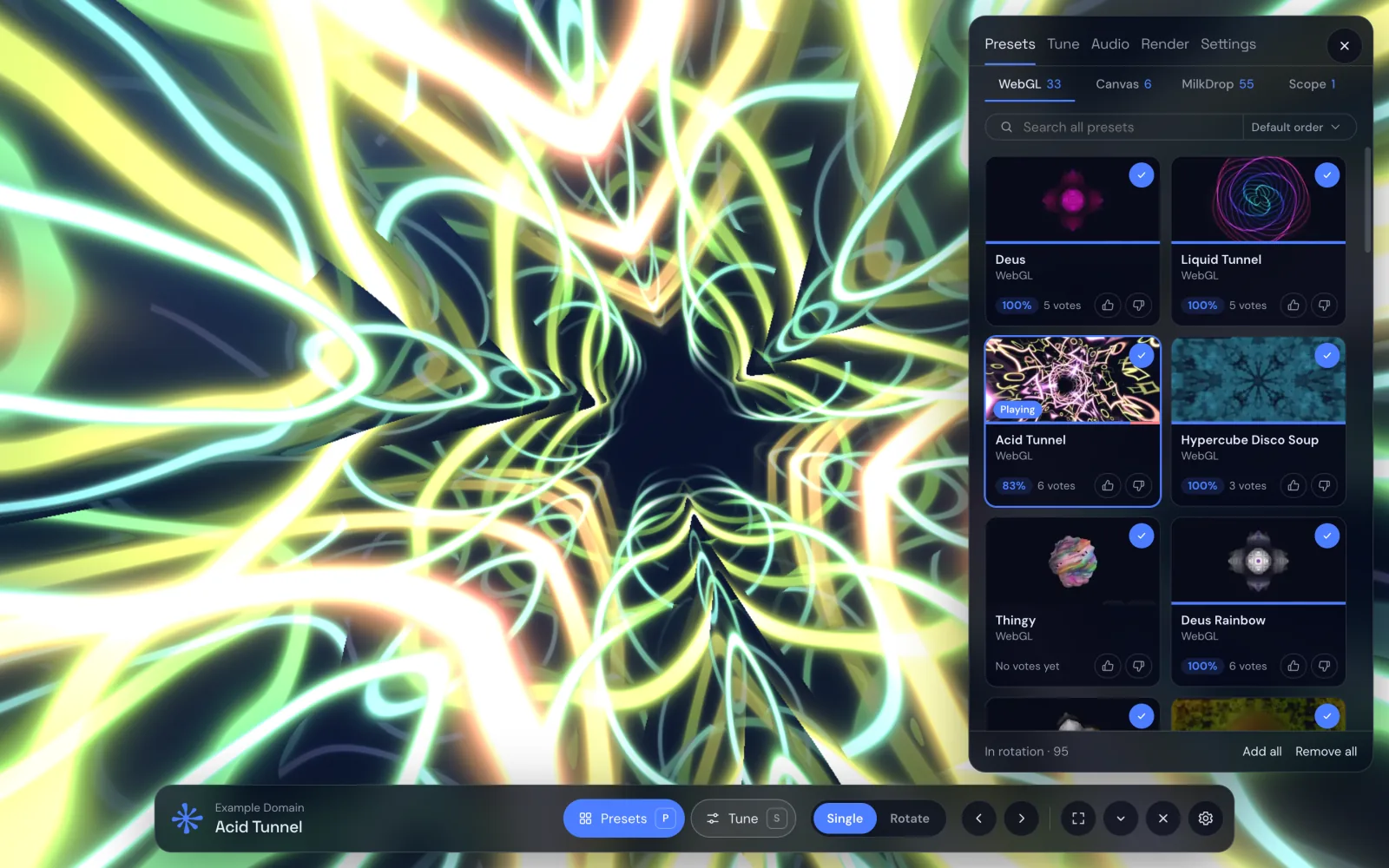
Add Deus to desktop Chrome and pin its icon. Play music on Spotify, YouTube Music, Yandex Music or any other tab and click the Deus icon on that tab: in the music players the visual starts right inside the page, on other sites press Visualize this tab. Then pick a preset and go fullscreen.
Deus doesn’t react to the music. What’s wrong?
Usually Chrome is still waiting for the click on the Deus icon on the music tab, or the music plays on another device. The help page lists every common reason with a fix. Open the help page
Do I need to install a separate program?
No. Deus is a Chrome extension: you add it to Chrome and it runs there. It doesn’t change the desktop and mobile apps of Spotify and other services; it works with their web players: open.spotify.com, music.youtube.com, music.yandex.ru, soundcloud.com, deezer.com and music.apple.com.
Which sites work with the any-tab visualizer?
Regular web pages (http and https) that play sound in a Chrome tab, such as video sites, web radios or podcasts. Chrome’s internal pages (chrome://) can’t be captured. The visual opens in its own tab or window rather than on top of the site.
What’s included for free? Is there a time limit?
No time limit. The full comparison is in Free & Pro above.
Will it slow down my computer?
Visuals are drawn by your graphics card. Deus caps the render resolution and stops drawing while the visual is hidden: the music player’s tab, or the visualizer tab for any-tab. The Quality chip on the visualizer’s bar shows how a preset runs, and Deus can lower the quality by itself when it lags. Some scenes are heavier than others; if a laptop runs warm, pick Medium or Low, or a different preset.
Does my audio stay on my device?
Audio analysis happens locally. Deus does not send your music audio to its servers. The extension does send usage events, preset ratings and license or referral requests. See the privacy policy for details.
Can I export a Spotify track as a video?
No. Video export renders a preset, or a chain of presets, over an audio file from your computer, from Render in the visualizer’s menu. It does not record streaming services. Use audio you have the right to use.
What is the oscilloscope mode?
XY Oscilloscope draws sound the way an analog oscilloscope in XY mode does: the left channel moves the beam sideways, the right one up and down. There is a whole music genre written for it, oscilloscope music, where the sound itself draws pictures. Deus simulates the oscilloscope in software, so all you need is a browser. The Oscilloscope tab in the preset gallery has tracks to try.
Can I make my own visual preset?
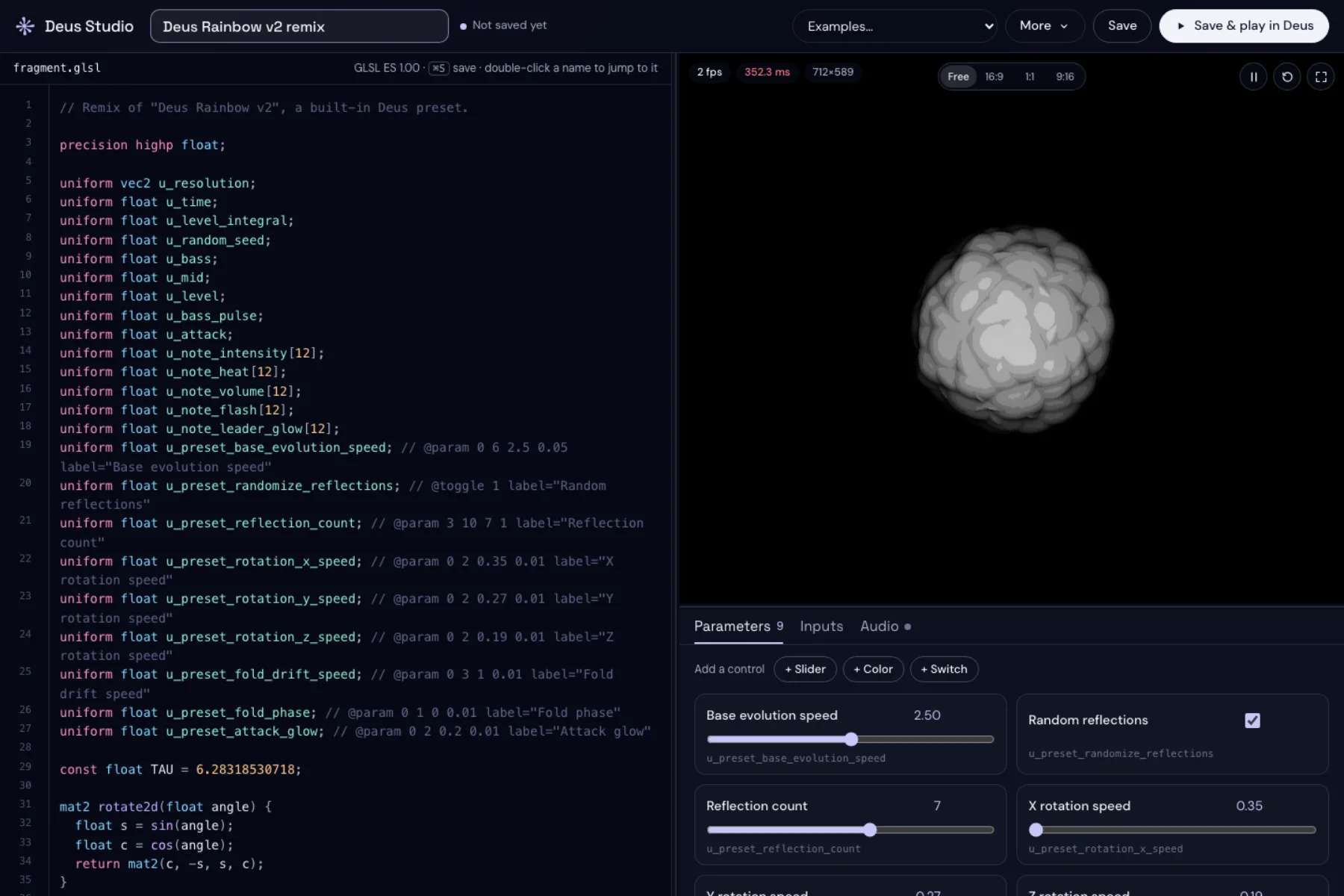
Yes. Open Deus Studio from Create › GLSL in the visualizer. You can start from a template or edit a copy of any built-in WebGL preset, add Tune controls in the code, preview it with live or local audio, then save it under Presets › Custom. Studio is included in Free.
Can I keep Deus off one of the music sites?
Yes. Settings › Inside the music player has a switch for each of the six services. Spotify, YouTube Music and Yandex Music are on by default; SoundCloud, Deezer and Apple Music turn on once you allow the site. Turn one off and Deus leaves that site alone: no in-page visual or theme, and the popup offers Visualize this tab there like on any other site.
How does the YouTube glow work?
It’s an optional glow around videos on youtube.com that follows the sound and calms down when people talk. Turn it on from the YouTube badge in the popup; Chrome asks once for access to youtube.com. The sound is analysed locally from the video on the page, nothing is recorded or sent anywhere, and the Deus button on the player holds its settings.
What does the Floating Pet need access to?
The Pet needs Chrome’s optional “access to all sites” permission so it can float over regular pages and follow you between tabs. Deus asks for it only when you first turn the Pet on. The Pet is a Pro feature and shares the audio capture Deus is already using.
Is Pro a subscription? What if I lose my license?
No subscription: Pro is a one-time $20 purchase, and the license is delivered by email. You can recover it here with the email you used at checkout.