
YouTube ambient mode alternative: a glow around videos that moves with the sound
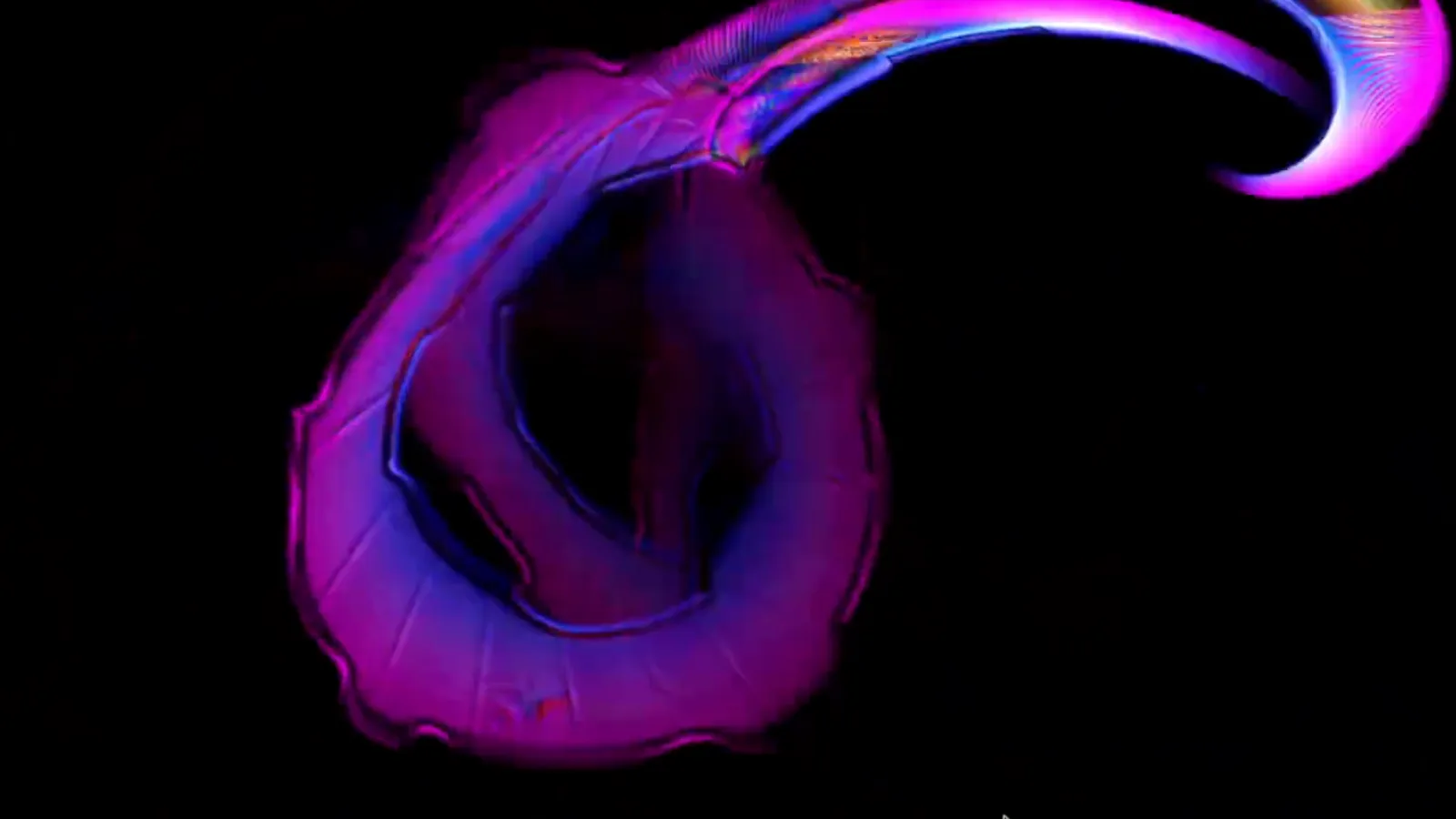
YouTube's ambient mode paints a soft wash of colour around the player, taken from the picture. It follows what is on screen. Deus offers a different take on the same idea: a glow around the video that follows what you hear as well. It reaches further on the bass, the rim flashes on drum hits, and the colours still come from the picture.
Here is what the glow does, how to turn it on and what it reads.
What the glow does
- Moves with the music. On YouTube watch pages Deus puts a glow around the video, in place of YouTube's ambient mode. Bass pushes it outwards, drum hits make the edge flash.
- Colours from the video. By default the glow takes its colours from the edges of the picture, so it matches the scene. You can switch it to the colours of your Deus theme instead.
- A spectrum around the frame. If you like, the audio spectrum can run around the edge of the video.
- Calm when people talk. A voice detector tells speech from music. In a podcast, a lecture or an interview the beats and the spectrum fade out and the glow breathes with the voice instead of flashing.
How to turn it on
The glow is off by default. To switch it on:
- Install Deus from the Chrome Web Store (free) and pin it to the toolbar.
- Open a video on youtube.com.
- Press the YouTube badge in the Deus popup. You can also use Settings › Inside the music player › YouTube videos.
- Chrome asks once for access to youtube.com. Allow it: the glow needs it to draw around the video.
- Click the page once. Chrome starts audio processing on a page only after you interact with it, so this click lets the sound reach the glow.
Settings right on the player
After that, a Deus button appears in the YouTube player controls, next to YouTube's settings gear. It opens a small Deus glow panel over the video, so you see each change as you make it:
- Glow around the video: on or off.
- Brightness and Size: how strong the glow is and how far it reaches.
- Flashes: how hard it flashes on beats.
- Reacts to: Auto, Music or Speech. Auto uses the voice detector; the other two fix the mode.
- Colours: from the video or from your Deus theme.
- Spectrum around the frame.
- Hide YouTube's ambient mode: a switch that hides YouTube's own effect.
What it reads, and what it doesn't
The glow listens only to the sound of the video on that page, through the browser's audio API, and analyses it on your computer. It doesn't use tab capture, and nothing from YouTube is recorded or sent anywhere.
Glow vs. the full visualizer
The glow is meant to sit quietly around something you are watching. If you want the music itself to become the picture, use the visualizer instead:
- For a music video or a DJ set on YouTube, the any-tab visualizer turns the tab's sound into fullscreen visuals, with 134 presets.
- On YouTube Music the visual plays right inside the player page, behind the artwork.
- For your own tracks, Deus can render a visualizer video from an audio file.
Is it free?
Yes. The audio-reactive glow around YouTube videos is part of the free version, with no time limit and no account. Deus Pro is a one-time purchase for extras like picture-in-picture and videos without the watermark; the glow doesn't need it.
Deus is an independent extension and is not affiliated with YouTube or Google.