
Audio visualizer for any Chrome tab: SoundCloud, radio, Twitch and more
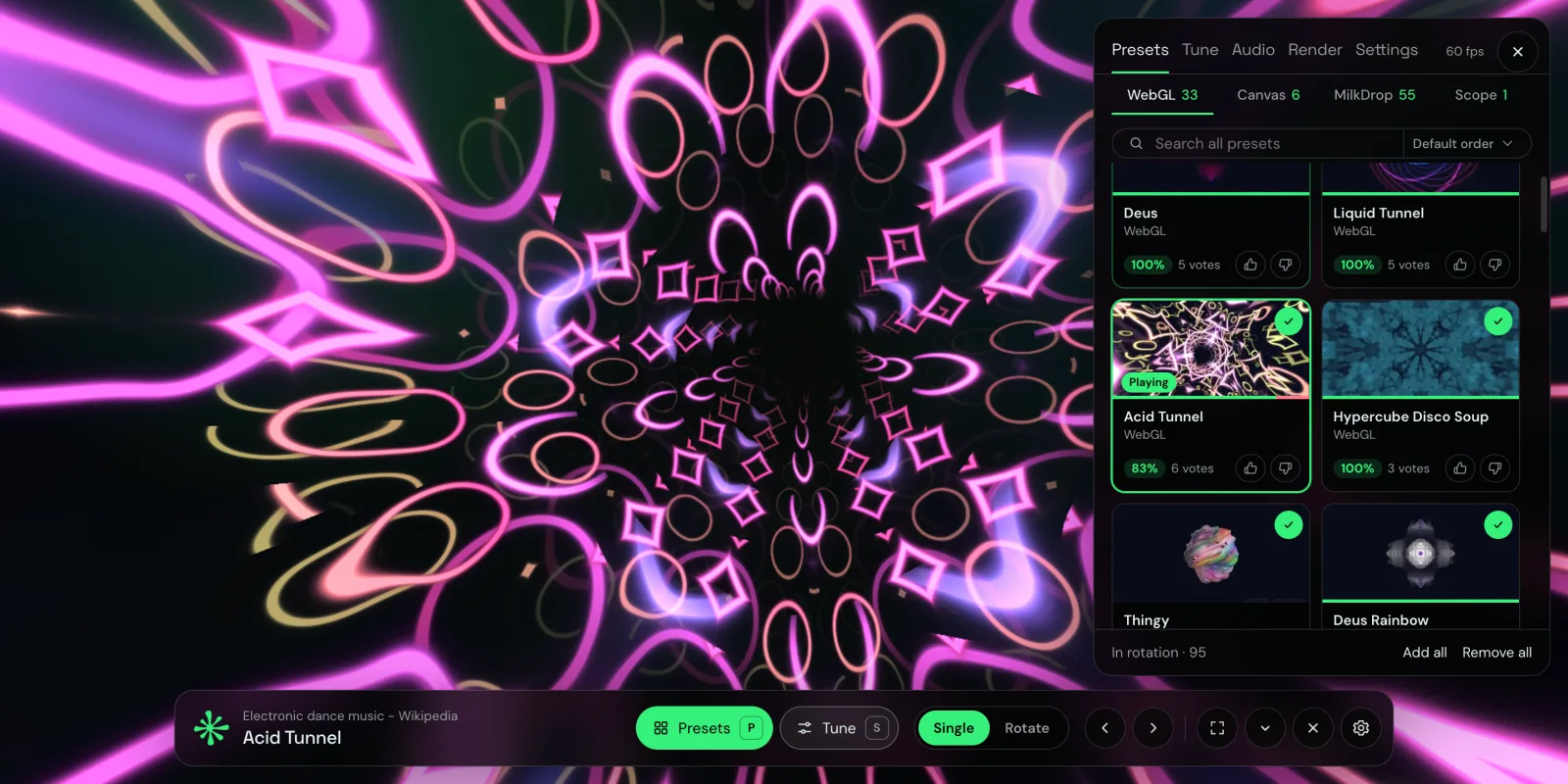
Most visualizers are tied to one player. But the music you listen to in a browser comes from everywhere: SoundCloud, Bandcamp, Mixcloud, a web radio, a YouTube mix, a Twitch DJ set. A visualizer that works with all of them has to listen to the browser tab itself.
Chrome can do that. Here is how to visualize any tab that plays sound.
How it works
Chrome lets an extension capture the audio of one tab, with your permission, when you start it. Deus uses that to read the sound of the tab you choose, analyzes it locally (bass, mids, treble, kicks, snares, hi-hats) and draws visuals in a separate tab or window. Nothing is recorded or uploaded, and the capture stops when you close the visualizer.
Step by step
- Install Deus from the Chrome Web Store and pin it to the toolbar.
- Play something in a tab: a SoundCloud track, a radio stream, a video.
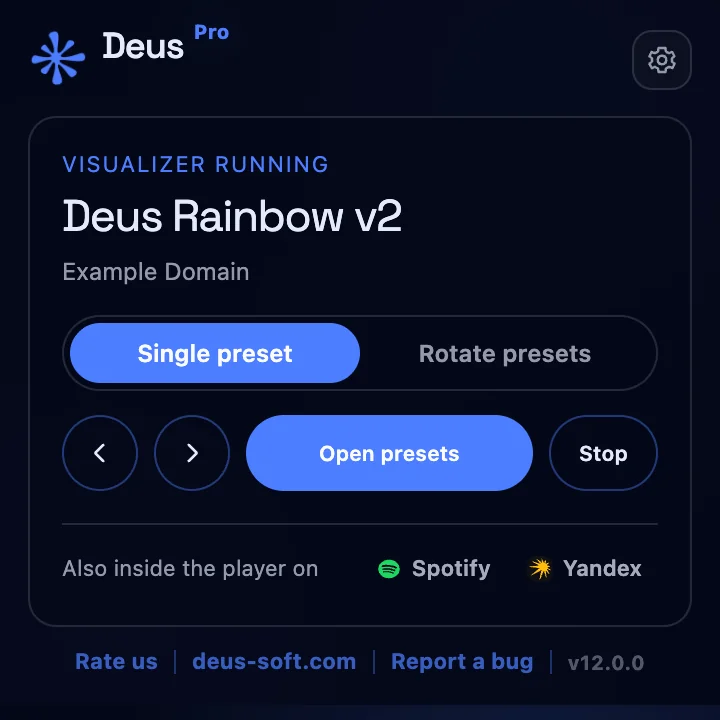
- Click the Deus icon, choose where it opens (Tab or Window) and press Visualize this tab.
- The visual opens next to the source tab. P picks presets, S tunes the current one, F goes fullscreen, H hides the panel and bar.
Sites that work well
- SoundCloud, Bandcamp, Mixcloud: DJ mixes and long sets with Rotate mode switching presets on a timer.
- Web radio: leave a station on a second screen as an ambient display.
- YouTube and Twitch: music videos, live DJ streams, concerts.
- Spotify, YouTube Music, Yandex Music, SoundCloud, Deezer, Apple Music: these also have visuals built into the page; see the Spotify and YouTube Music guides.
Any regular web page (http or https) that plays sound in a tab works. Chrome's own pages (chrome://) and other extensions' pages can't be captured.
Put it on a TV or second screen
Choose Window in the popup, drag the window to the other display and press F. The source tab keeps playing in your main window, so you can keep browsing. If the source tab is closed, the visualizer stops.
Pick a style
The catalog has 134 presets in four groups: WebGL shader scenes (tunnels, terrains, fractals), Canvas 2D geometry, classic MilkDrop presets from the Winamp era and an XY oscilloscope. You can sort by community rating, search, and build a rotation. 71 themes restyle the panel and bar, and if you write GLSL, Deus Studio lets you make your own presets.
Is it free?
Yes. The any-tab visualizer, fullscreen and all presets are free with no time limit and no account. Deus Pro, a one-time purchase, adds a floating picture-in-picture window, a live audio-analysis panel and watermark-free video export.