
Yandex Music visualizer: live visuals on the My Vibe screen
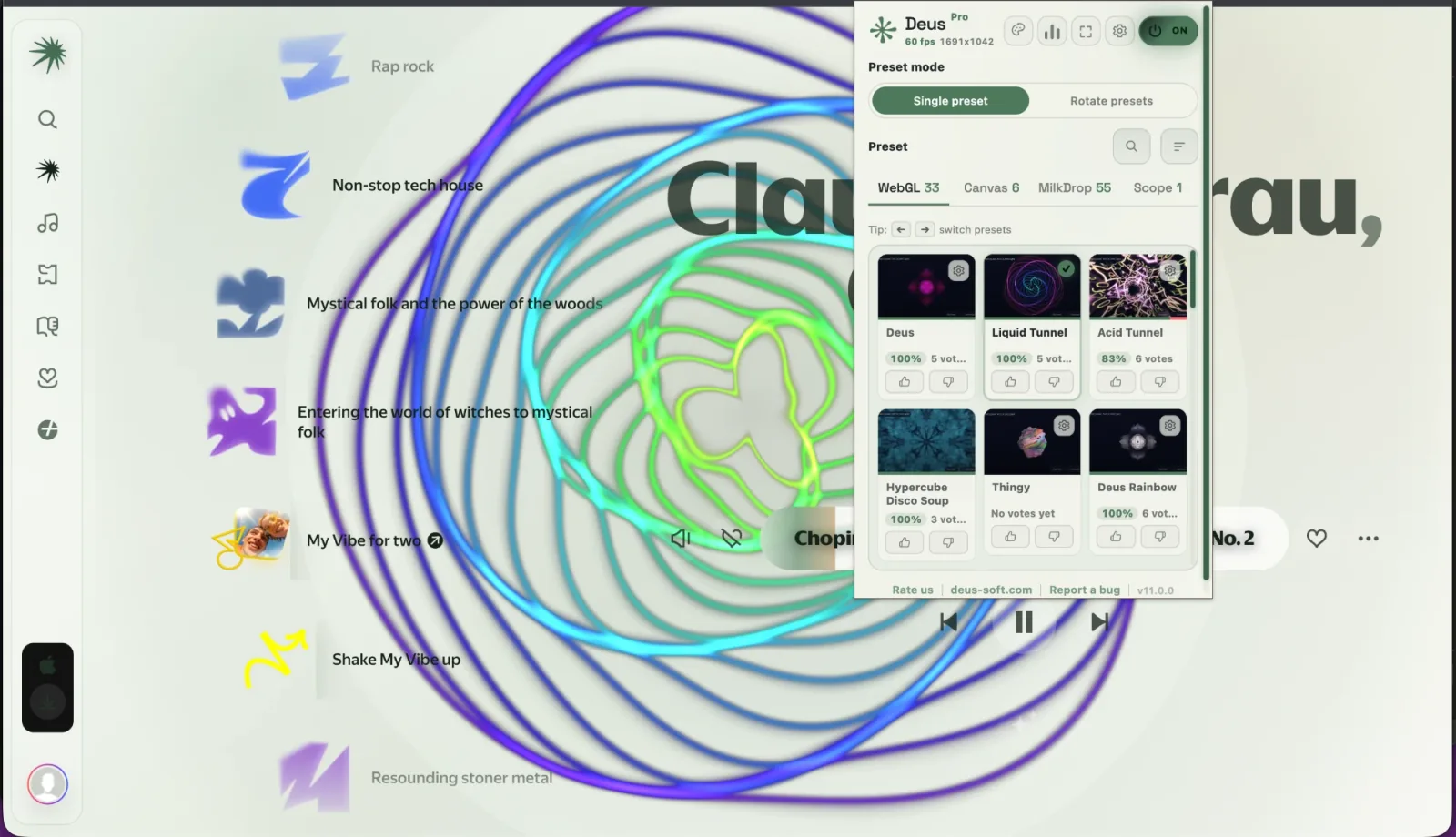
My Vibe (Моя волна) is the endless personal stream in Yandex Music: you press play and let it run. Behind the player sits Yandex's own animation. Deus can replace it with a real music visualizer, one that listens to the track and moves with the kick, the bass line and the hi-hats, so a drop looks nothing like a quiet intro.
This guide shows how to put a real visualizer on the My Vibe screen of the Yandex Music web player in Chrome, and what to expect from it.
What you need
- Desktop Chrome.
- The Yandex Music web player at music.yandex.ru. The Yandex Music desktop and mobile apps are separate programs, and a browser extension can't draw inside them.
- Deus, a free extension from the Chrome Web Store.
How to turn it on
- Install Deus and pin it to the Chrome toolbar.
- Open music.yandex.ru and start My Vibe, either from the block on the main page or from the dedicated My Vibe page.
- Click the Deus icon and switch it on. A live preset takes the place of the native My Vibe animation, behind the player and the track title.
- Press ← and → on the page to switch presets, or pick one in the popup. In the popup you can also choose Single preset or Rotate presets, so the visual changes on a timer.
Everything else in Yandex Music stays where it was: the playback controls, your playlists and the stream itself. Deus reads the sound of the tab and draws behind the page; it doesn't replace the player and doesn't need your Yandex account.
Where the visual appears, and where it doesn't
The Yandex Music integration is narrower than the one in Spotify. In Spotify the visual sits behind most pages: home, playlists, albums, artists. In Yandex Music it lives on one screen, My Vibe: the block on the main page and the My Vibe page itself. Album, artist and playlist pages don't get a visual.
That suits how most people use My Vibe anyway: you start the stream, leave the tab open and let it play. If you want visuals for something else on Yandex, open the full visualizer (see below).
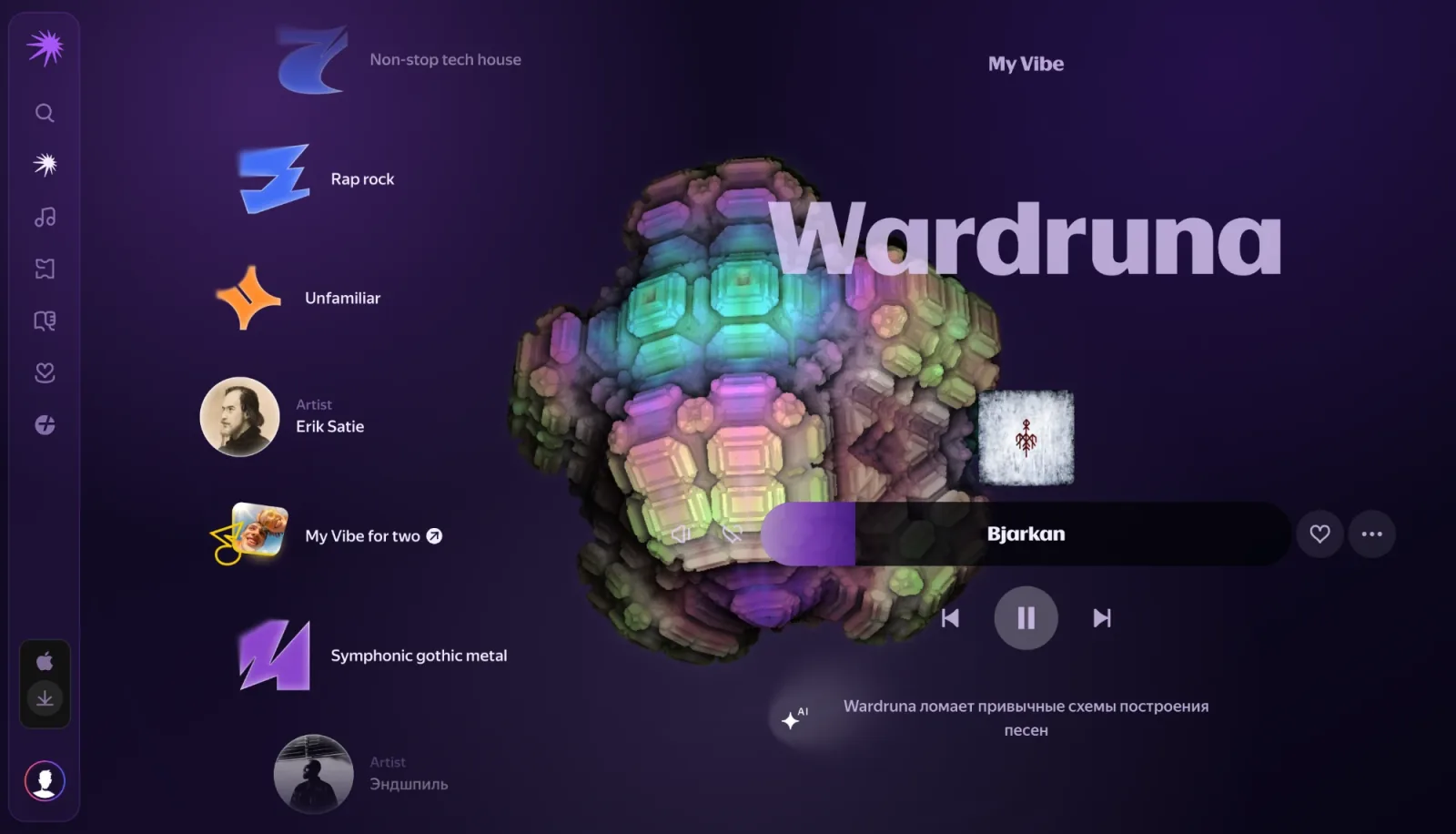
Themes for the Yandex Music page
Deus can also restyle the page around the visual. The same 71 themes as on Spotify are available, light and dark, plus Yandex Music's default look if you only want the visual. Themes and presets are picked in the Deus popup.
The Chameleon theme has no fixed colours. In Yandex Music it takes the average colour of the current cover and builds the background, panels, player bar, progress bar and text colours from it, so the page changes with every track.
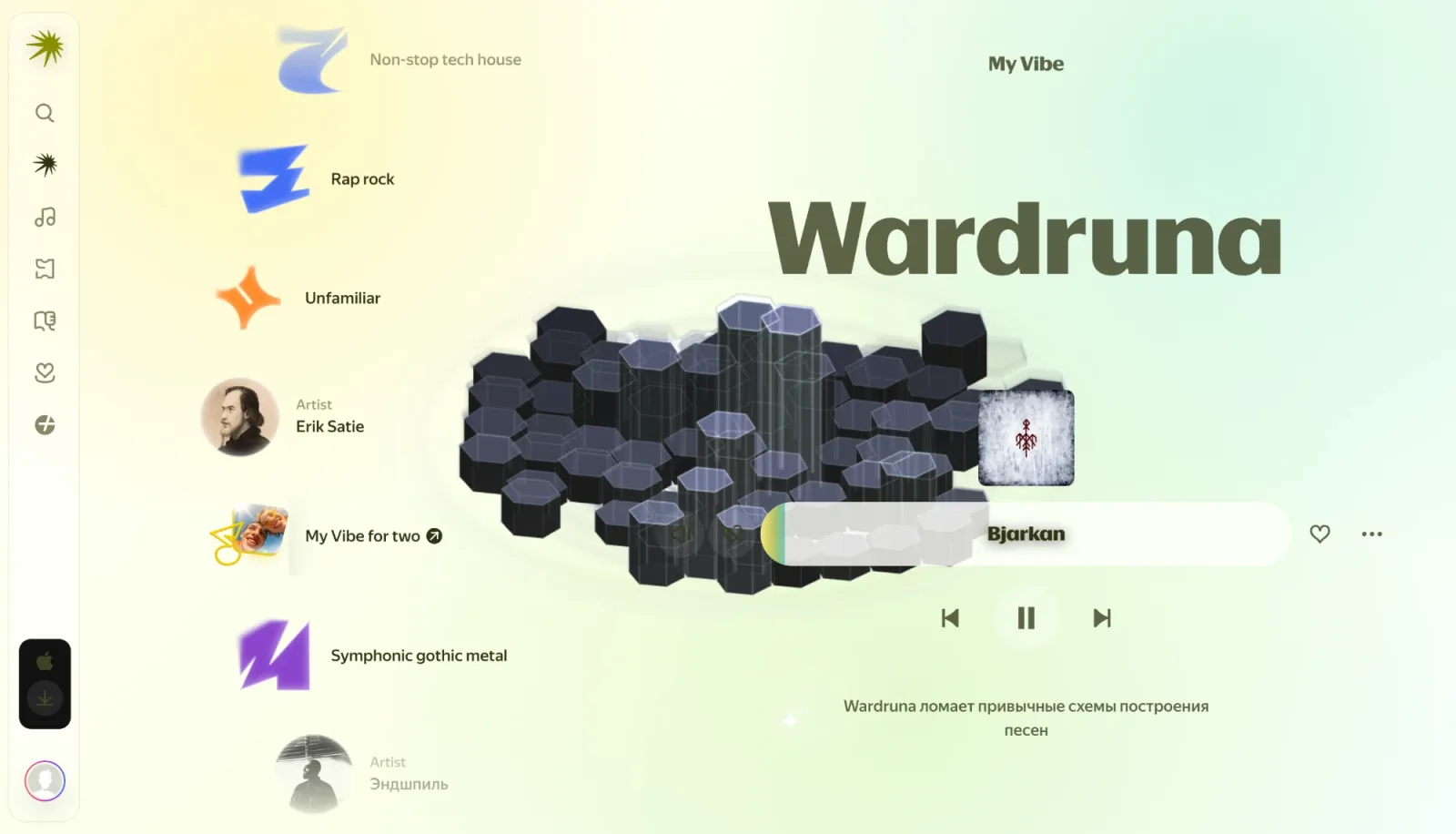
Presets and fullscreen
You get the full catalog of 134 presets, the same as everywhere in Deus: WebGL shader scenes, Canvas 2D geometry, classic MilkDrop presets and an XY oscilloscope. Each one reacts to bass, mids and treble and to individual drum hits.
For a bigger picture, the classic Deus button in the popup opens the full visualizer in its own tab or window. It shows the track and preset names with previous, play/pause and next buttons that control the player, so you can put the window on a second screen or a TV and still skip tracks. The in-page visual waits while the full view is open.
Is it free?
Yes. Visuals inside Yandex Music, all current presets and all themes, Chameleon included, are in the free version, with no time limit. Deus Pro is a one-time purchase that adds extras such as picture-in-picture and videos without the watermark; you don't need it for Yandex Music.
Turning it off
If you'd rather keep Yandex Music untouched, open Deus settings: Inside the music player has a separate switch for Yandex Music. With it off, Deus leaves the site alone and the popup offers Visualize this tab there, like on any other site. That mode, the any-tab visualizer, also works for any page that plays sound.
Other players
The same built-in visuals work in Spotify and YouTube Music, and on ordinary YouTube videos Deus can add a glow that moves with the sound.
Deus is an independent extension and is not affiliated with Yandex.