Presets · WebGL
Northern Lights
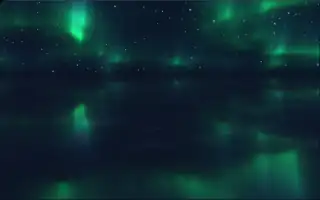
Watch Northern Lights live in the browser
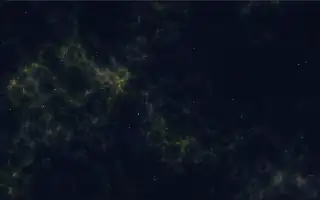
Curtains of aurora ripple across a starry sky and are mirrored in calm water below. The sky itself is left transparent, so the page theme shows through behind the light.
The aurora is built from fifty thin layers of triangle-wave noise stacked up the sky and blended together, which gives the folded curtain look. By default its colour drifts slowly through the hues. The motion of the curtains and the slow pan of the view run on a clock that only advances while music plays, so in silence the sky holds still.
What it reacts to
- Overall loudness: moves the curtains, pans the view and lifts the glow
- Mids, treble and bass pulses: brighten the aurora
- Attacks: the curtains flare brighter and greener
Tune
Color chooses between a slow colour drift and a static colour, and Main color sets that colour.
Music that suits it
Ambient, classical or slow acoustic music suits its calm pace, and songs with sharp attacks make the curtains flare.
How to play it
Install Deus, play music on Spotify, YouTube Music, Yandex Music or any other tab and click the Deus icon on that tab. Then pick Northern Lights in the WebGL presets, or press ← → on the page until it comes up.