Presets · WebGL
Dancing Mold
Watch Dancing Mold live in the browser
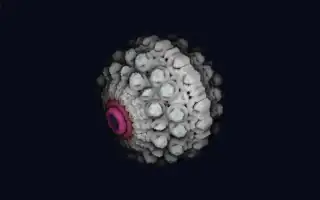
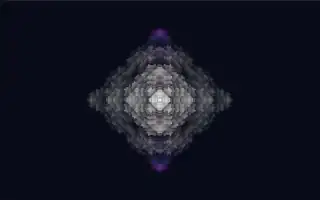
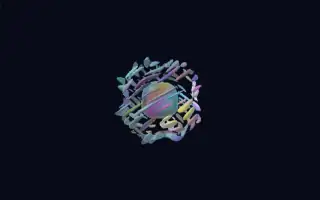
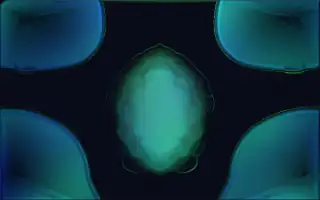
A living, mould-like texture of fine veins and cells grows and shimmers across the screen, mirrored left to right like an inkblot. Its colours drift slowly through several palettes, anchored in a green one, with bright accents along the edges of the pattern.
Underneath is a four-channel reaction-diffusion system of the rock-paper-scissors kind: each channel grows along the gradient of another, so fronts chase each other without end, while a slow pair of vortices stirs the whole field. It is written in the style of shaders for the Synesthesia visualiser, whose audio inputs Deus maps from its own analysis.
What it reacts to
- Bass hits: send a shockwave through the pattern and inject a bright burst at the centre
- Loudness and recent energy: speed up the growth and stretch the pattern outward
- Bass versus treble hits: push the pattern along or against its own gradients, so it flows one way on the bass and back on the highs
- Onsets: make the pattern shimmer more strongly
- Bass, mids and treble: each lights its own colour layer of the image
Music that suits it
Bass-heavy electronic music such as dubstep or techno shows off the shockwaves, while ambient passages let the veins grow quietly.
How to play it
Install Deus, play music on Spotify, YouTube Music, Yandex Music or any other tab and click the Deus icon on that tab. Then pick Dancing Mold in the WebGL presets, or press ← → on the page until it comes up.