Presets · WebGL
Deus Rainbow
Watch Deus Rainbow live in the browser
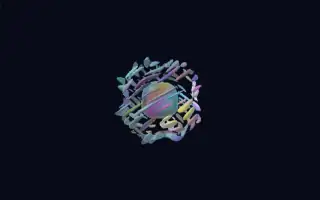
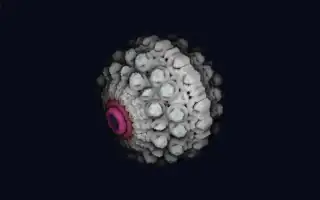
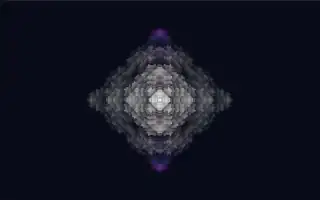
A white, crystalline fractal floats in a dark field, its folded arms mirrored around the centre. When notes sound, regions of its surface bloom with colour, each region keeping its own hue, so a chord lights several sectors in a spectrum of reds, greens, blues and violets.
The shape is the Deus fractal: a point is repeatedly folded, sorted, rotated and scaled, and the surface is found by raymarching the resulting distance estimate. The twelve pitch classes of the octave are spread across the folded space, each mapped to a fixed hue 30 degrees apart, so a C lights a different colour than an F sharp.
What it reacts to
- Notes: each of the twelve pitch classes blooms its own coloured region, glowing longer for sustained notes and flashing on new ones
- Overall loudness: adds fractal iterations, from a smooth blob in quiet passages to fine detail when loud
- Bass: enlarges the fractal and draws the camera closer; bass pulses add a small push
- Attacks: the whole fractal swells briefly
Tune
Base evolution speed sets how quickly the fractal's shape drifts as the music plays.
Music that suits it
Harmonic music with clear chords and melodies, such as piano, jazz or synth pads, spreads colour across many sectors.
How to play it
Install Deus, play music on Spotify, YouTube Music, Yandex Music or any other tab and click the Deus icon on that tab. Then pick Deus Rainbow in the WebGL presets, or press ← → on the page until it comes up.