Presets · WebGL
Acid Tunnel
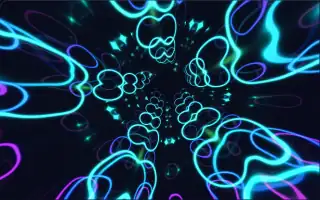
Watch Acid Tunnel live in the browser
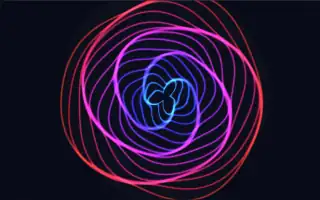
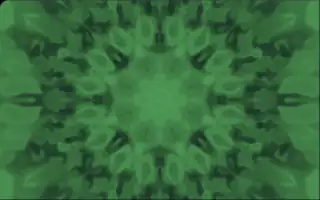
A tunnel of glowing concentric rings bends away toward the centre of the screen, built from eight translucent layers stacked in depth. Each layer is folded into an eight-way kaleidoscope, and the rings ripple through it in bright, saturated colour.
The pattern is a mirror-tiled field of rings whose colours come from a palette chosen at random each time the preset starts; the tunnel's shape and motion stay the same from run to run. The camera flies along a winding path at a steady pace, and each layer takes its brightness and opacity from a different part of the spectrum, so depth in the tunnel works as a frequency axis. The preset is adapted from a Shadertoy piece.
What it reacts to
- Spectrum: each layer brightens and grows more opaque with its band, bass in the nearest layers and treble in the farthest
- Spectrum: a loud band pushes the rings of its layer outward
- Bass hits: the view zooms in slightly, opening the tunnel
- Loudness and bass: the whole picture brightens a little
Tune
Base speed sets how fast the tunnel flies and its pattern evolves, and Rotation speed sets how far each layer is turned against the next.
Music that suits it
Music with rich mids and a pulsing low end, such as acid house, trance or psytrance, lights up the middle depths of the tunnel and opens it on every hit.
How to play it
Install Deus, play music on Spotify, YouTube Music, Yandex Music or any other tab and click the Deus icon on that tab. Then pick Acid Tunnel in the WebGL presets, or press ← → on the page until it comes up.