
Spotify web player not working in Chrome? 9 fixes that actually help
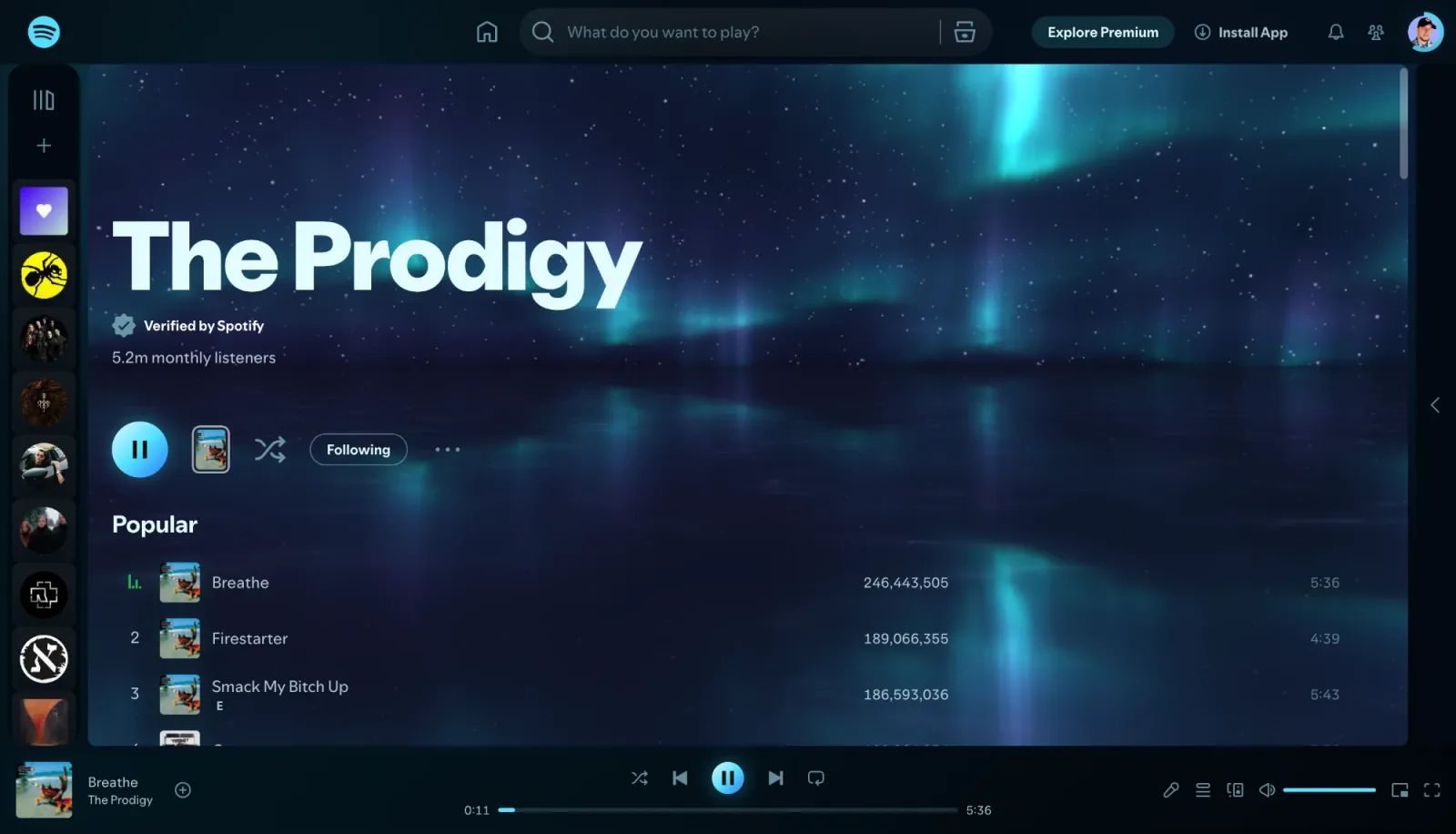
The Spotify web player at open.spotify.com usually just works, but when it doesn't, the symptoms are vague: the play button does nothing, the track runs with no sound, the page spins forever, or Spotify complains about protected content. Almost every case comes down to one of the causes below. They are ordered from the most common to the rarest, so start at the top.
1. The music is playing on another device
If the progress bar moves but the tab is silent, Spotify is probably sending the sound to your phone, a speaker, a TV or the desktop app. This is Spotify Connect, and it remembers the last device you used. At the bottom of the web player, next to the volume control, open the device menu and choose this web browser. A "Playing on …" bar at the bottom of the window is the sign that another device is playing.
2. Protected content is blocked in Chrome
Spotify streams are protected, and Chrome plays them only if sites are allowed to play protected content. If you see a message that playback of protected content is not enabled, open chrome://settings/content/protectedContent and allow sites to play protected content. Then reload the Spotify tab.
3. The tab is muted or the volume is at zero
Look at the tab: a crossed-out speaker means Chrome muted the site. Right-click the tab and choose Unmute site. Check the volume slider in the Spotify player bar too, and the system volume.
4. An extension gets in the way
Ad blockers, privacy and script blockers sometimes stop parts of the web player from loading. Quick test: open open.spotify.com in an Incognito window, where extensions are off by default. If it plays there, turn your extensions off one by one in chrome://extensions until you find the one that breaks it, and add an exception for open.spotify.com in it.
5. Stale cookies or a broken login
Log out of Spotify, close the tab and log in again. If that doesn't help, delete the site data for Spotify: click the icon left of the address bar on open.spotify.com, open site settings and delete its data, then log in again.
6. Chrome is out of date
Open chrome://settings/help. Chrome checks for an update and installs it; press Relaunch afterwards. The web player follows current Chrome, and an old version can fail to play.
7. Graphics acceleration problems
If the page is blank, flickers or freezes, check Settings › System › Use graphics acceleration when available. It should normally be on; if it already is and the problems started recently, try switching it off once, relaunch Chrome and compare.
8. The network or a VPN
Corporate and school networks sometimes block streaming, and a VPN can make Spotify think you are in another country. Try another network, or turn the VPN off for a moment.
9. Spotify itself is down
If nothing works on any device, the problem may be on Spotify's side. Check Spotify's official status account or a public outage tracker before you change anything else.
Music plays, but your visualizer or theme doesn't react
If you use Deus for visuals and themes on Spotify, a few more things can keep it quiet even when the music plays fine:
- The Deus icon wasn't clicked on this tab. Chrome lets an extension hear a tab only after you click its icon on that tab, and again after a reload or a Chrome restart. Click it, or press Alt+M (⌃+M on a Mac).
- The sound goes to another device, as in point 1: the tab is silent, so the visual has nothing to react to.
- The Spotify volume is at zero. Deus draws what the tab actually plays; silence means a resting visual.
Deus doesn't change how Spotify plays music: if Spotify doesn't play with Deus turned off either, the cause is in the list above. For everything else, the Deus help page lists the common reasons with fixes.
Questions
Does the web player need Spotify Premium?
No. The web player works with free accounts too, with ads and the limits of the free plan.
Why does the web player play on my phone instead of my computer?
Spotify Connect continues on the last active device. Pick the browser in the device menu once and it plays there again.
Which browser works best?
Spotify supports the current versions of the major browsers. Chrome is the one Deus runs in, so if you want visuals in Spotify, use Chrome.
Deus is an independent extension and is not affiliated with Spotify.