Presets · WebGL
Cyber Tunnel
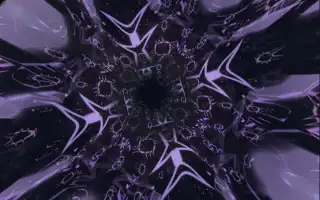
Watch Cyber Tunnel live in the browser
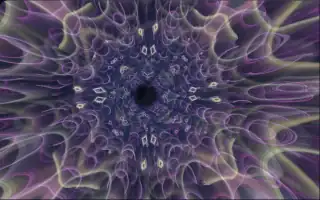
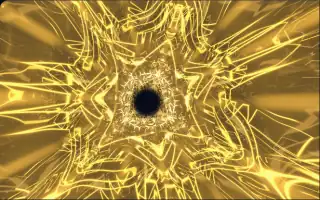
A tunnel of stacked translucent layers winds ahead, each layer folded into a flower of seven or eight petals. Patterned rings, fine etched lines and sparks along the petal seams glow in colours from a wide palette, and the layers slowly cycle between different surface materials.
It grows out of the same plane-stacking idea as Acid Tunnel, with ten layers instead of eight, and adds pitch: around the tunnel run six coloured lanes, each lit by a pair of neighbouring pitch classes, so held chords show up as bright stripes. The path, palette and petal count are seeded per run. When the energy drops after a loud passage, a release state softens the detail and washes the tunnel in calmer colour.
What it reacts to
- Spectrum: layers take their brightness from bass near the camera, mids in the middle and treble in the distance
- Notes: six harmonic lanes glow in the colours of the notes being played
- Bass: squeezes the rings inward, most on bass hits
- Treble: sparks run along the petal edges and the fine detail blooms
- Release: a drop in energy after a loud stretch softens and recolours the tunnel
Tune
Base speed sets how fast the tunnel flies and its pattern evolves, and Rotation speed sets how much the layers turn and the camera rolls.
Music that suits it
Layered electronic music with chords and crisp highs, such as trance, synthwave or melodic techno, fills the lanes with colour and keeps the petal edges sparking.
How to play it
Install Deus, play music on Spotify, YouTube Music, Yandex Music or any other tab and click the Deus icon on that tab. Then pick Cyber Tunnel in the WebGL presets, or press ← → on the page until it comes up.