Presets · WebGL
Acid Tunnel v2
Watch Acid Tunnel v2 live in the browser
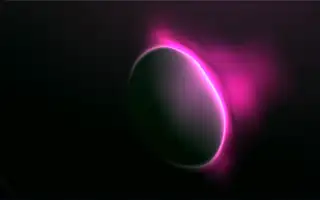
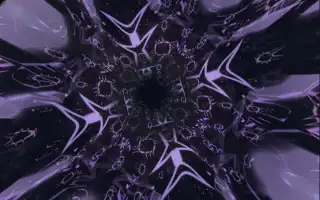
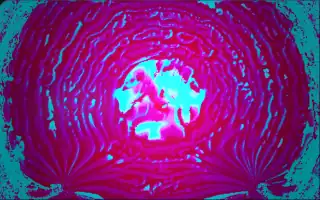
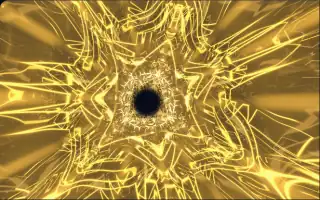
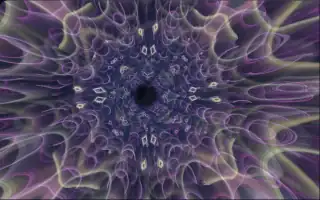
A flight down a winding tunnel built from a dozen transparent layers. Each layer is an eight-way kaleidoscope of glowing concentric rings, and the layers stack into depth along a curving path, with bright rims marking the tunnel wall. Colours drift through a wide, saturated range, and the image leaves short trails.
Each layer listens to its own part of the spectrum: the nearest layers follow the low frequencies and the farthest the high ones, with the mid-range weighted most. Shapes and motion are fixed so the tunnel behaves the same on every run, and only the colours are seeded at random.
What it reacts to
- Spectrum: each layer brightens and its rings push outward with its band, low bands near the camera and high bands far away
- Attacks: sudden hits flash the image brighter, shift the hues and make the rims glow
- Bass pulses: the view punches in slightly so the tunnel opens on the beat
- Recent energy: speeds up the flight through the tunnel
- Overall loudness: a slow dolly in and out, and brighter layers
Tune
Color switches between a random drift and custom primary, accent and background colours, and Base speed and Rotation speed set the flight and roll.
Music that suits it
Acid house, trance or psytrance, with squelchy mid-range lines and sharp transients, lights up the layers and sets off the attack flashes.
How to play it
Install Deus, play music on Spotify, YouTube Music, Yandex Music or any other tab and click the Deus icon on that tab. Then pick Acid Tunnel v2 in the WebGL presets, or press ← → on the page until it comes up.