Presets · WebGL
Enter The Void
Watch Enter The Void live in the browser
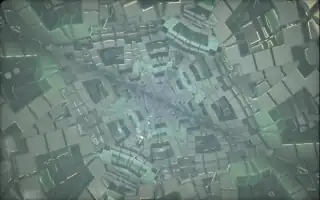
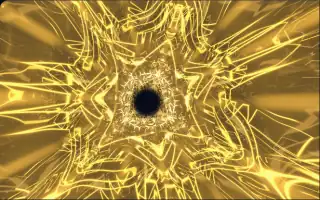
The camera flies through a cloudy tunnel of fire: volumes of glowing gas in blackbody colours, from dull red through orange to near white, under a soft bloom and a fine grain. The tunnel's cross-section slowly changes between rounder and petal-like shapes.
The tunnel builds on Aiekick's Another Cloudy Tunnel (2015), part of a line of volumetric cloud shaders that goes back to the demoscene: the ray steps through a noisy distance field and gathers heat wherever it passes near the walls, coloured by a temperature-to-RGB curve. It is rendered at a third of the screen resolution and then filtered for bloom. The preset is a port of a Synesthesia fire-tunnel shader, rewired to Deus's audio analysis.
What it reacts to
- Loudness: the flight speeds up as the music gets louder
- Bass: pulsing bands of the fire flip from glow to shadow, more with strong bass and bass hits
- Treble: speckles of coloured noise flare in bands across the walls, with extra sparkle on treble hits
- Mids: lift the background tint and strengthen the colour drift
Music that suits it
Music with a heavy, sustained low end and bright highs, such as dubstep, industrial or dark techno, works the fire hardest.
How to play it
Install Deus, play music on Spotify, YouTube Music, Yandex Music or any other tab and click the Deus icon on that tab. Then pick Enter The Void in the WebGL presets, or press ← → on the page until it comes up.