
Spotify web player themes: 71 custom light and dark themes for Chrome
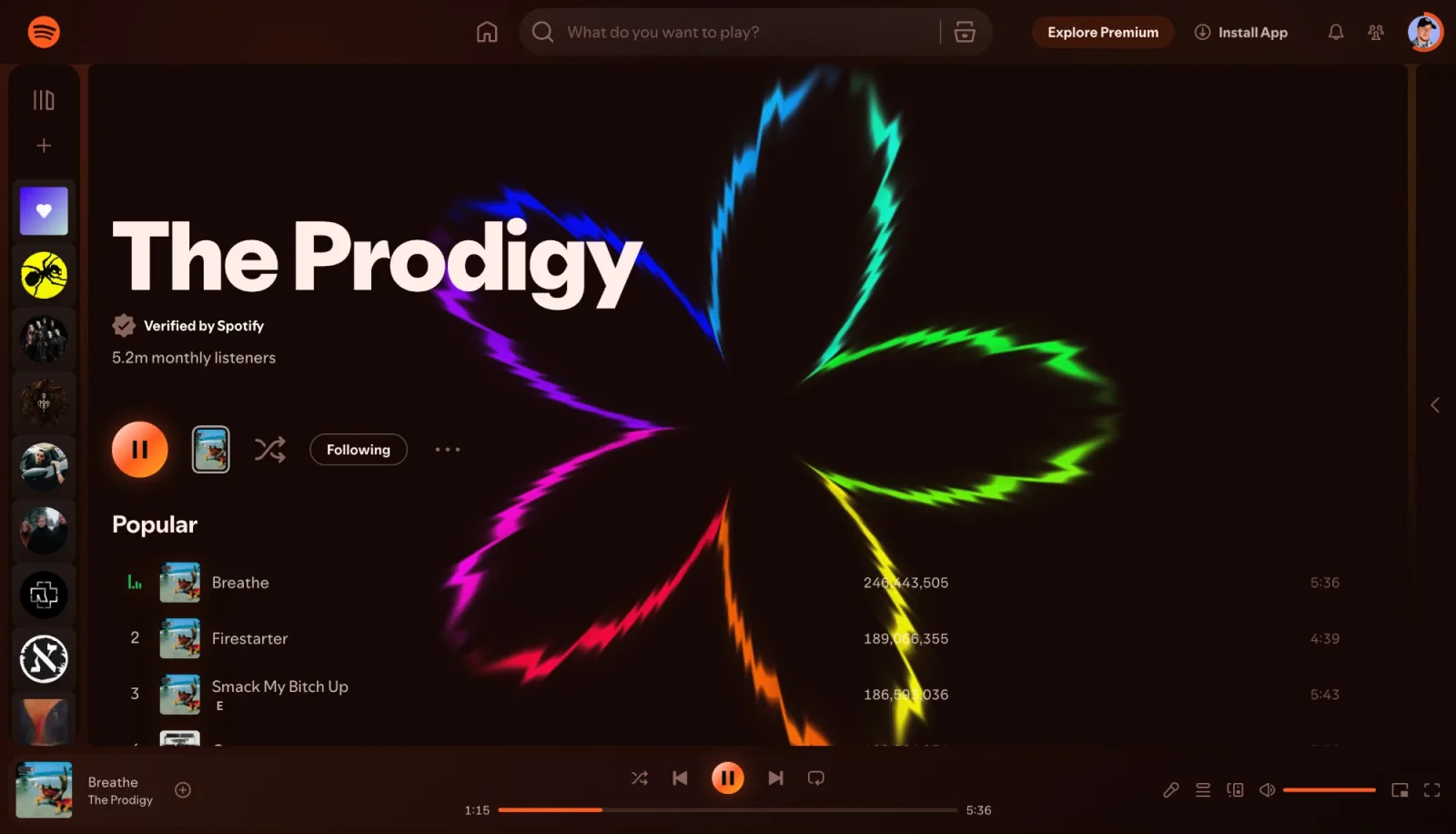
Spotify gives you one look: black and dark grey with green accents. There is no setting for a light theme, no accent colour to pick and no way to make the app match your wallpaper or your mood. On the desktop and phone apps that is still true. In the web player in Chrome, though, you can change it.
This guide shows how to put a custom theme on open.spotify.com, what the 71 themes in Deus change, and how Chameleon builds a new look from every album cover.
Why you can theme the web player but not the app
open.spotify.com is a web page. Its colours come from styles the browser applies, and a browser extension is allowed to add its own styles on top. That is how a theme works: the player, your library and your playlists stay exactly as they are, and only the colours of the background, panels, player bar and text change. The Spotify desktop and mobile apps don't load browser extensions, so this only works in the browser.
How to change the Spotify theme in Chrome
- Install Deus from the Chrome Web Store (free) and pin it to the toolbar.
- Open open.spotify.com and start a track.
- Click the Deus icon and press Themes at the top of the popup. The Spotify themes panel opens with a grid of swatches.
- Click a swatch. The page is restyled right away. Hover over a swatch to see the theme's name and a short description.
- To go back to the original look, pick No design (Spotify default).
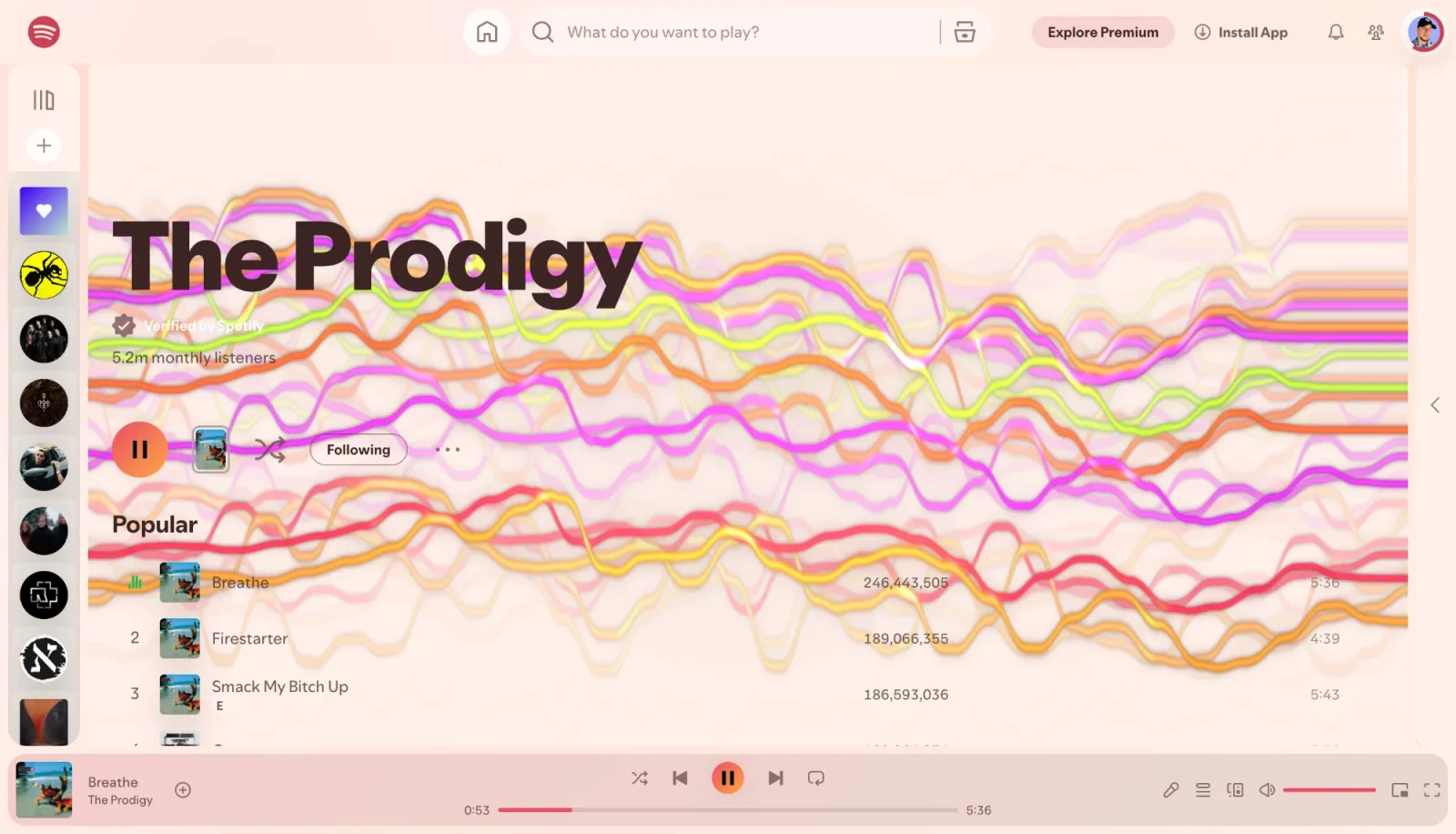
Light and dark: 71 themes
The 71 themes split into 34 light ones, 36 dark ones and Chameleon. Each one recolours the page background, the panels, the player bar and the text, so the whole window changes rather than just an accent.
- Light themes such as Paper Day, Porcelain Sky, Pastel Dream, Cloud Peach and Coral Pop. If you have looked for a Spotify light mode, this is the closest you can get: dark text on soft daylight colours.
- Dark themes such as Deus Noir, Blood Moon, Neon Pink, Synthwave, Matrix Code and Royal Sapphire. They keep the dark feel of Spotify but swap its green for crimson, magenta, amber, sapphire and more.
- Chameleon, which has no fixed colours at all (more on it below).
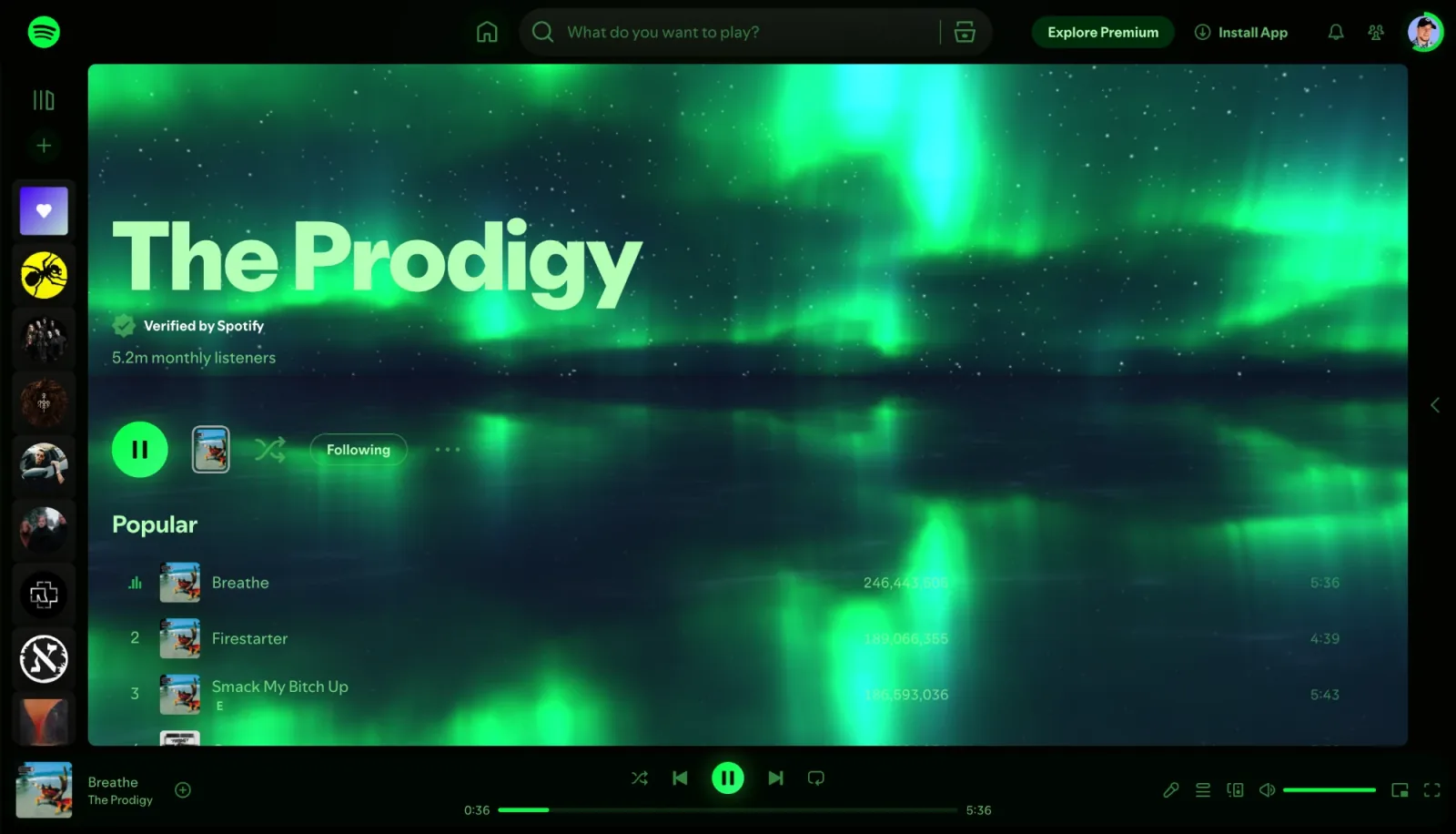
Chameleon: a theme made from the cover art
Chameleon is the theme to try first. On Spotify it takes the cover of the track that is playing, blurs it and makes it the background of the window, with translucent panels on top. On an artist page it uses the artist's header image instead. When the track changes, the look changes with it, so an album with a red cover gives you a red Spotify and the next one something else entirely.
The colours are calculated locally in your browser; to do that Chameleon may load the current cover from Spotify's own image servers.
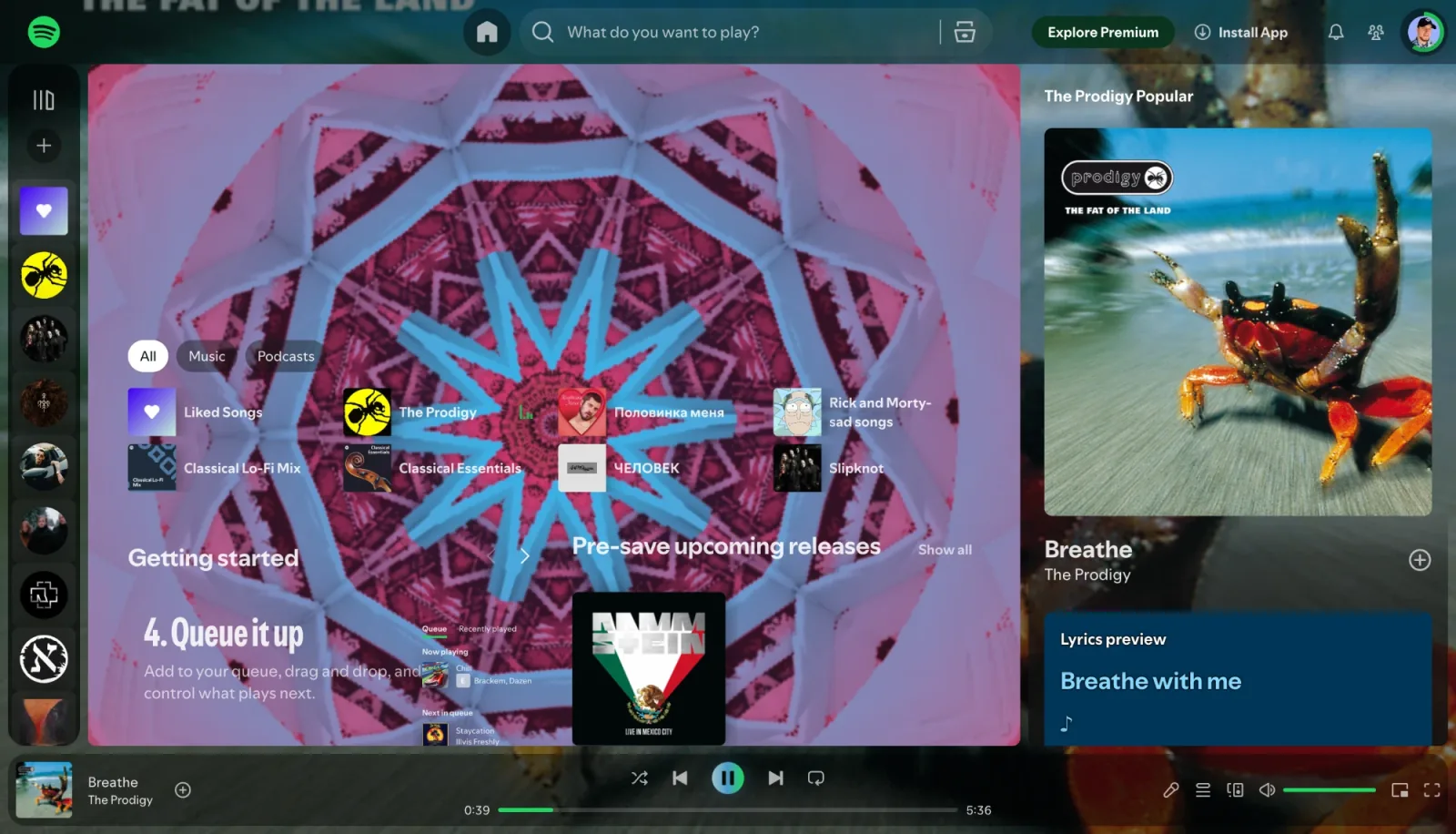
Themes and visuals together
Deus is also a music visualizer, and on Spotify the two work together: the theme colours the page, and a live visual that reacts to the music plays behind the header and track list on home, playlist, album and artist pages. You can switch presets with ← and → right on the page. The Spotify visualizer guide covers that part in detail.
One theme applies everywhere Deus runs. The theme you pick on Spotify is also used on YouTube Music, Yandex Music, SoundCloud, Deezer and Apple Music, and on the panel and control bar of the any-tab visualizer.
What stays the same
A theme only changes colours. Navigation, search, your library, the queue and the player bar work as usual, and Deus doesn't touch your Spotify account. If you want Spotify left completely alone, open Deus settings and turn Spotify off under Settings › Inside the music player: no in-page visual or theme is applied there any more.
Is it free?
Yes. All 71 themes, Chameleon included, are free with no time limit and no account. Deus Pro is a one-time purchase for extras like picture-in-picture and watermark-free video export; you don't need it for themes.
Limits
- Themes work in the Spotify web player in desktop Chrome. They don't change the Spotify desktop or mobile apps.
- A theme is a set of colours for the existing interface. It doesn't move buttons around or hide parts of Spotify.
Deus is an independent extension and is not affiliated with Spotify.